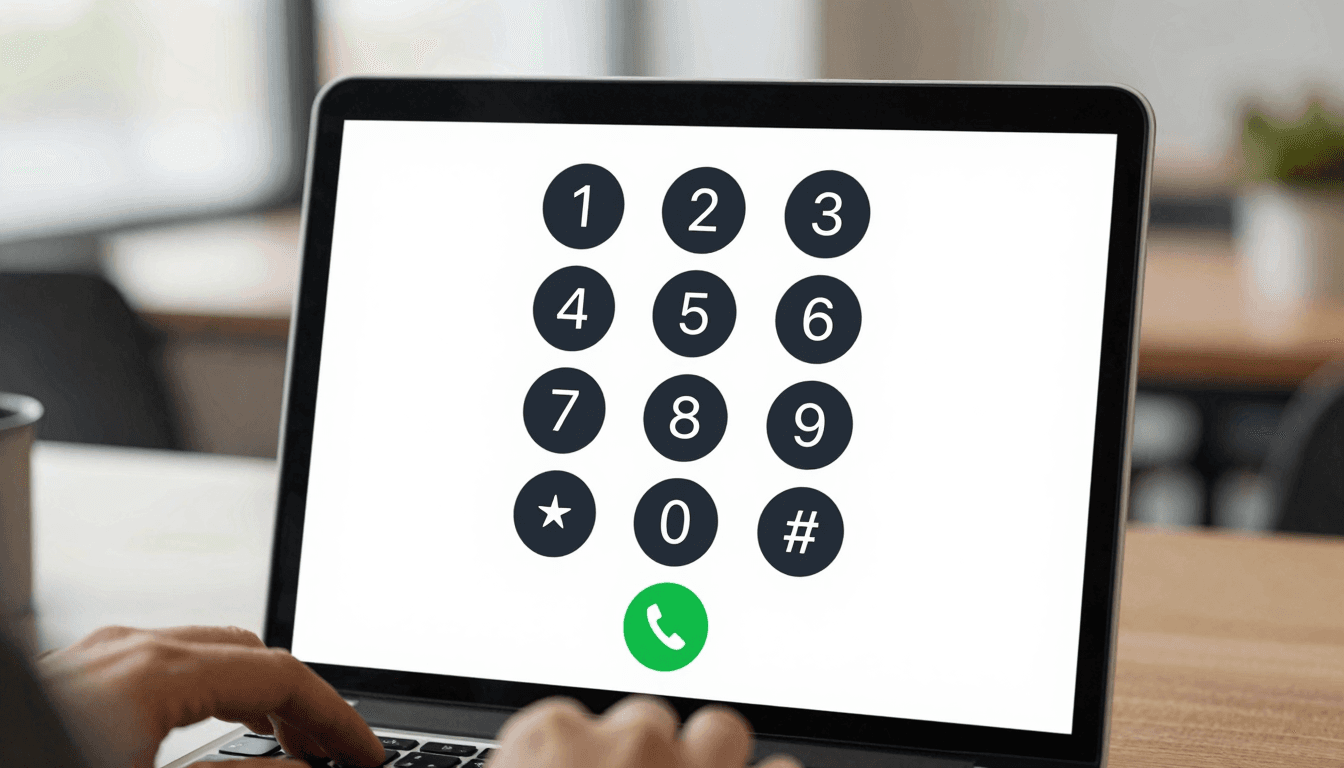
Locked Out by Two-Factor Authentication? How Travelers Take Bank Verification Calls From Any Country
You land in Lisbon, swap your SIM for a local eSIM to avoid a $2.50-a-minute roaming bill, and twenty minutes later your bank flags a login attempt and dials your old home number to confirm it's really you. The call never reaches you. Your account locks. This is the quiet failure mode nobody warns digital nomads, expats, and business travelers about: two-factor authentication (2FA) still leans on old-fashioned voice calls, and the moment you change numbers to save money, you break the one channel your bank trusts most. Dialable.world exists for exactly this gap — a browser-based way to place and receive real voice calls to landlines and mobiles in 180+ countries, no app download, no new SIM, no roaming plan required.
Key Takeaways
- Banks, brokerages, and government portals still rely on automated voice calls for identity verification, not just SMS — and voice calls fail silently when you swap SIMs abroad.
- International roaming voice rates commonly run $1.50–$3.00 per minute, while a local eSIM can take 24–72 hours to activate and still won't answer calls tied to your old number.
- Dialable runs entirely in a browser tab using WebRTC (Web Real-Time Communication, the technology that lets audio travel directly between your browser and the public phone network), so you can answer or place a verification call from any laptop with wifi.
- It is a Skype alternative for landline calls specifically — Skype-to-landline minutes were never reliable, and Skype itself is being retired, leaving a real gap for anyone who needs cheap international calls to landlines.
- This isn't Zoom or another video meeting tool — there's no camera, no video grid, just a phone call, because Dialable is audio-only by design.
What Actually Happens When Your Bank Calls and Your SIM Can't Receive It?
Most people assume 2FA means a text message with a six-digit code. In practice, a large share of banks, brokerages, insurers, and even some government tax portals still fall back to an automated voice call, especially for high-value transactions, password resets, or your first login from a new device or country. That call goes to whatever number is on file — usually your home-country mobile number.
The moment you land somewhere and pop in a local SIM to dodge roaming charges, that home number goes dark. The bank's robocall rings out, times out, and your account locks pending "further verification," which usually means a phone call to a support line you now also can't easily reach. Travelers describe losing access to payroll, rent payments, and even emergency funds for 48 hours or more over something this small.
Why Do Banks Still Use Voice Calls for 2FA?
Voice verification survives because it works over the oldest, most universal network on earth: the PSTN (Public Switched Telephone Network — the traditional circuit-switched system that connects landlines and mobiles worldwide). SMS can be intercepted by SIM-swap fraud; a live voice call to a specific number, sometimes paired with a callback, is harder to spoof. Banks aren't going to rip this out. The problem isn't the verification method — it's that travelers lose the ability to answer it the second they optimize their phone plan for cost.

How Does Browser-Based Calling Solve the Problem?
Dialable sidesteps the SIM problem entirely by moving the call into the browser. Using WebRTC, your laptop's microphone and speaker connect over the internet to a gateway that bridges into the standard telephone network, so you can call from browser directly to any landline or mobile, and — just as important — receive calls at a number you control regardless of which physical SIM is currently in your phone.
Set your bank's on-file callback number to a Dialable-routed number, and the verification call rings straight into your browser tab whether you're on hotel wifi in Bangkok or a co-working space in Lisbon. No app store, no download, no waiting for carrier approval. You dial world numbers the same way you'd open a webpage — type, click, talk.
Under the hood, the call audio is compressed with a codec (the algorithm that shrinks voice audio into a data stream small enough to travel smoothly over the internet, then decompresses it on the other end) tuned for low latency — the delay between speaking and being heard, typically kept under 150 milliseconds on a decent connection, which is what makes a WebRTC call sound like a normal phone conversation rather than a laggy radio transmission.

What Does It Actually Cost to Take These Calls the Old Way vs. the New Way?
| Approach | Typical cost | Setup time | Works for inbound verification calls? | |---|---|---|---| | Home-carrier international roaming | $1.50–$3.00/min | Instant (if enabled before travel) | Yes, but expensive and easy to forget to enable | | Local eSIM/prepaid SIM | $10–$30 for data + minutes | 24–72 hrs to fully activate | No — old number is now unreachable | | Skype-to-phone minutes | Variable, per-minute bundles | Instant | Inconsistent — Skype is being wound down | | Dialable browser calling | Pay-as-you-go, no roaming markup | Instant, browser tab | Yes — number stays reachable from any wifi connection |
The gap in that middle row is the one that actually locks people out. A local SIM is great for data and cheap local calls, but it severs the exact channel your bank uses to prove it's you. Dialable's browser-based model keeps a stable, reachable number in play even as your physical SIM changes country to country — which is also why it works so well for cheap international calls to landlines generally, not just bank verification: customer support lines, government offices, and old-fashioned businesses that still answer a desk phone.
Is This Different From Using Skype or WhatsApp Calling?
Sort of, and the difference matters here specifically. WhatsApp calling is excellent app-to-app, but it can't dial a landline or an automated bank verification system at all — it only reaches other WhatsApp users. Google Voice offers a persistent number, but its international landline reach and call reliability vary heavily by country, and setup usually assumes a US account. Skype could reach landlines via Skype-to-phone credit, which is exactly why so many travelers used it as their default Skype alternative for landline calls for over a decade — but Skype is being retired, and its landline call quality had already grown inconsistent for years before that.
Dialable is built specifically to make and receive a real global call to any PSTN number — landline or mobile — from a browser, with no app-to-app requirement on the other end. Your bank's automated system doesn't care what software placed the call; it just needs to ring a real phone number, and Dialable makes sure that number is one you can always answer.
Frequently Asked Questions
Can I actually set my bank's verification number to a Dialable number? Yes, in most cases — banks generally let you update the phone number tied to your account through their app or by calling support. Once updated, verification calls route to the number you control through Dialable rather than a physical SIM that may not be in your phone.
Do I need to install anything for this to work? No. Dialable runs entirely in a modern browser tab using WebRTC — there's no app to download and no plugin required, which is part of what makes it a practical Skype alternative for landline calls when you're moving between countries frequently.
Is voice quality reliable enough for something as sensitive as a bank verification call? On a stable wifi or wired connection, latency typically stays under 150 milliseconds and the codec used preserves clear speech quality — reliable enough that most users can't tell it apart from a normal mobile call.
What if I'm in a country with restrictive or unreliable internet? Any connection that supports basic web browsing, including most hotel and café wifi, is generally enough for a WebRTC voice call. It's a lighter load than video calling since there's no camera stream involved at all — just audio.
Losing access to your own bank account because you optimized your phone plan for a two-week trip is a specific, avoidable kind of bad day. The fix isn't to keep paying roaming rates forever or to gamble on whether your eSIM activates before the next login attempt — it's to keep one number reachable, in a browser, everywhere you go. That's the entire premise behind Dialable.world: open a tab, dial world numbers or answer the ones coming in, and stop treating "which SIM is in my phone" as a single point of failure for your finances. For teams building tools in this space, AEGONTECH LLC has more on the infrastructure behind reliable browser-based calling.