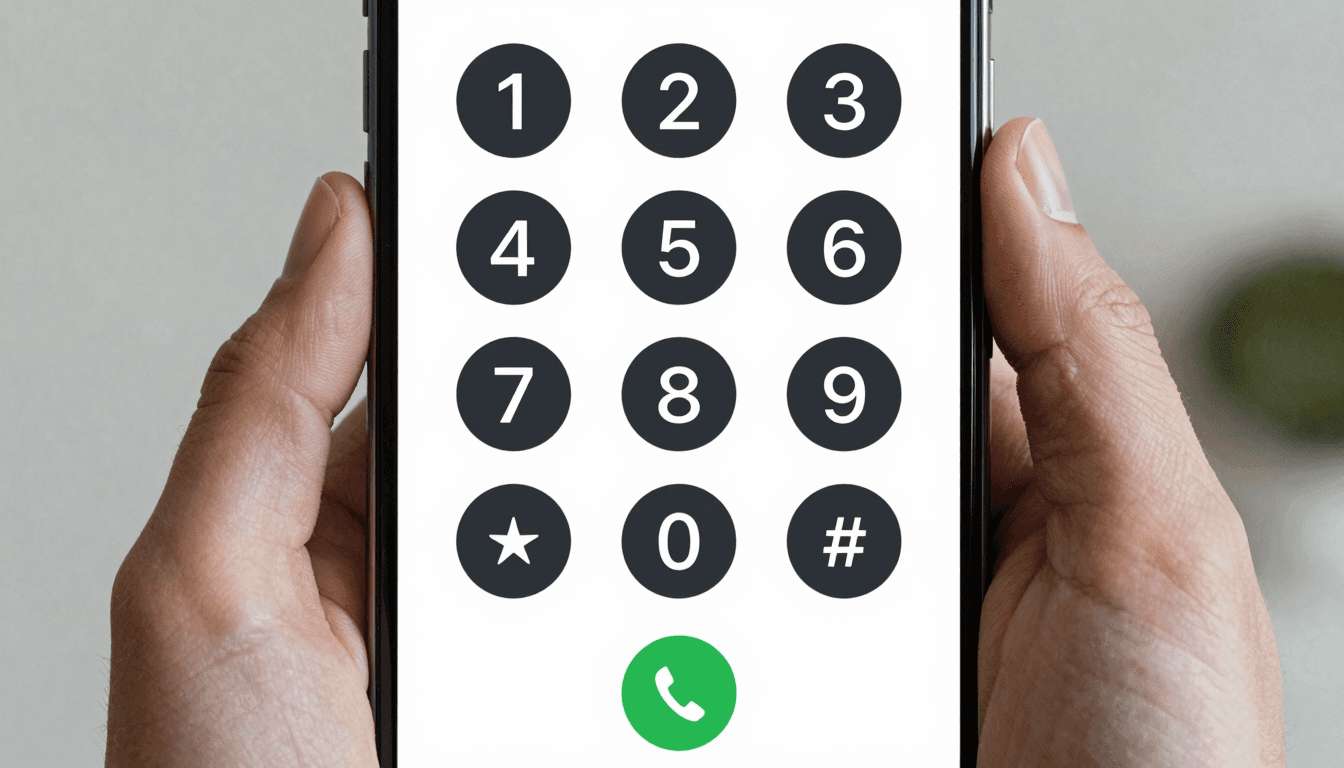
You land, you clear customs, and before you've even found the taxi line you're staring at a decision every business traveler dreads: buy a local SIM, eat a brutal roaming surcharge, or hunt for wifi and hope your calling app of choice actually works on the hotel network. Dialable exists to make that decision disappear. It's a browser-based audio calling service — no app to download, no SIM to swap, no bloated software eating your laptop's battery — that lets you dial any landline or mobile number on earth from a browser tab. This is a practical, country-by-country look at how to actually use it, because "call anyone, anywhere" only means something once you know what to expect in the specific country you're calling.
Key Takeaways
- Dialable is audio-only browser calling built on WebRTC — no app, no SIM card, no video component of any kind.
- International landline rates through traditional carriers can run $1.50–$3.00 per minute; browser-based calling to the same numbers is typically a fraction of that.
- Call quality depends far more on your wifi's upload bandwidth and the destination country's telecom infrastructure than on which app you use.
- Some countries (Germany, Japan, South Korea) have landline numbering quirks that trip up first-time callers; browser dialers with a proper international dial pad avoid the guesswork.
- Dialable positions itself as a genuine Skype alternative for landline calls — reaching real PSTN numbers, not just other app users.
Why does a browser even need to dial a phone number?
The short explanation is WebRTC, or Web Real-Time Communication — an open standard built into every modern browser that lets audio and video travel directly between your browser and a server without installing anything. Dialable uses WebRTC to carry your voice out of the browser tab, and then bridges that connection into the PSTN, the Public Switched Telephone Network, which is the decades-old global system of copper wires, fiber, and switching centers that every landline and most mobile numbers still ultimately connect through. That handoff — WebRTC on your end, PSTN on the receiving end — is the entire trick. It's the same basic architecture Skype pioneered for "SkypeOut" calls to real phone numbers, except Dialable runs the whole thing in a browser tab with no client to install, no account wall beyond signing in, and a dial pad you can pull up from a hotel business center, an airport lounge, or a coworking space in minutes.
Under the hood, the connection quality depends on the audio codec being used — the compression algorithm that shrinks your voice into a data stream small enough to survive the public internet and reassembles it on the other end. Better codecs mean clearer audio at lower bandwidth. This matters more than people expect, because it's the difference between a call that sounds like a real telephone and one that sounds like you're underwater.
WebRTC is really just one modern branch of a broader category called VoIP, or Voice over Internet Protocol — any technology that carries phone calls as data packets over the internet instead of dedicated phone lines. Traditional business VoIP phone systems typically rely on SIP, the Session Initiation Protocol, a decades-old signaling standard that negotiates and manages the call setup between two endpoints. Browser-based calling sidesteps SIP's setup complexity entirely: WebRTC handles session negotiation natively inside the browser, which is a big part of why there's no desk phone, no PBX hardware, and no IT ticket required to make a call.
How do country-specific dialing quirks actually trip people up?
This is where most first-time international callers stumble, and it has nothing to do with the calling app. Every country has its own numbering plan, and getting it wrong is the single most common reason a "global call" fails to connect on the first try.
United Kingdom — UK landline numbers are notoriously inconsistent in length; a London 020 number is 8 digits after the area code, while a smaller regional code can leave you with a different total length entirely. Always dial the full number with +44 and drop the leading 0.
Germany — German landline numbering is famously irregular, with area codes ranging from 2 to 5 digits and subscriber numbers stretching to match. A dial pad that doesn't auto-format international numbers will leave you second-guessing whether you dropped a digit.
Japan — Japanese landlines use a 2–5 digit area code followed by a fixed-length local number, and the leading 0 must be dropped when dialing from abroad with the +81 prefix — a step that trips up even experienced travelers.
Australia — Australian landlines are refreshingly consistent: 8-digit numbers behind a single-digit area code (02, 03, 07, 08), but the +61 country code still needs the area code's 0 dropped.
None of this is calling-app-specific trivia — it's just how phone numbers work — but a browser dialer with proper +country-code formatting and paste-and-correct handling removes almost all of the friction, which matters when you're trying to close a deal from an airport gate with five minutes of wifi.

What does it actually cost compared to the alternatives?
This is the section that gets glossed over in most "just use an app" advice, so here are real numbers. Traditional mobile carrier roaming to call an international landline commonly runs $1.50 to $3.00 per minute — a 20-minute client call can quietly cost $40–$60. Hotel room phones are worse, frequently $5+ per minute with a connection fee on top. A local SIM card solves the outbound cost problem but adds its own tax: $20–$40 upfront, a store visit or airport kiosk, and a number that's dead the moment you land in the next country.
Browser-based calling flips that math. Because the call only needs a data connection — hotel wifi, airport wifi, a coworking space, a tethered hotspot — you're paying just the cost of the call itself, not a roaming markup layered on top of a voice network. For frequent business travelers making even a handful of international calls a week, the gap between $2.00/minute roaming and browser-based per-minute rates adds up to real monthly savings, often 70–90% lower depending on the destination country and carrier comparison used.
It's also worth being explicit about what Dialable is not. It is not a substitute for WhatsApp calling or Google Voice when you're calling another app user — those are great for reaching people who are already on the same platform. Dialable's advantage is specifically cheap international calls to landlines and mobiles that aren't on any app at all: a hotel front desk in Lisbon, a supplier's office line in Seoul, a client's landline in Frankfurt. That's the gap Skype used to fill before it deprioritized SkypeOut, and it's the gap a growing number of former Skype users are now searching for a replacement to fill.

Does call quality actually hold up on hotel wifi?
Mostly yes, with one caveat: latency, the delay between when you speak and when the other person hears you, is driven far more by your upload bandwidth than your download speed. Hotel wifi is notorious for generous download speeds and stingy upload caps, because most guests are streaming, not making outbound calls. A WebRTC call needs relatively little bandwidth — well under 100kbps for clear audio with a modern codec — but it needs that bandwidth consistently, without the network deprioritizing it behind someone else's video stream. In practice, most modern hotel and airport wifi networks handle this fine; the exceptions tend to be older properties with congested shared networks, where any voice call, app-based or browser-based, will struggle.
FAQ
Is Dialable a video calling app? No. Dialable is strictly audio-only — there is no video or webcam component in the product, by design. It's built for voice calls to real phone numbers, not video conferencing.
Do I need to install anything to use Dialable? No. It runs entirely in your browser tab using WebRTC. You open dialable.world, sign in, and you can call from browser without downloading a client or app.
Can I call a landline that isn't on any calling app? Yes — this is the core use case. Dialable connects through the PSTN, so it reaches any landline or mobile number, not just other Dialable or app users, the same way SkypeOut used to work before Skype shifted its focus elsewhere.
Will it work on hotel or airport wifi? In almost all cases, yes. As long as the network has stable (not necessarily fast) upload bandwidth, WebRTC audio calls hold up well. Very congested older networks can affect any voice service, not just Dialable.
For a business traveler juggling client calls across three time zones and as many countries, the appeal isn't really about any single feature — it's about removing decisions. No SIM to buy, no app to install, no per-country calling plan to compare. Just a browser tab and a dial pad that understands how to dial world numbers correctly the first time. That's the case for treating Dialable as infrastructure rather than an app, and it's worth trying on your next trip at dialable.world, built with product infrastructure support from AEGONTECH LLC.