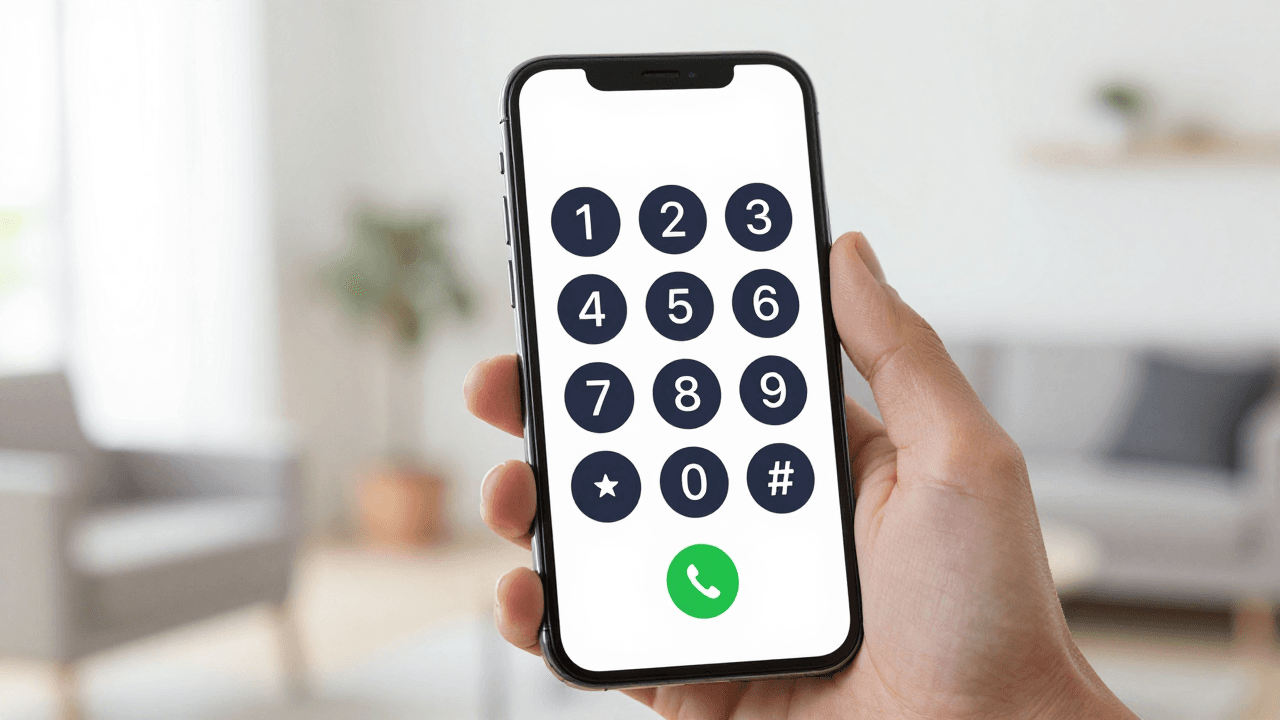
You are standing in a Lagos apartment, a Nairobi co-working space or a Cape Town flat, and the call you need to make is to a bank, a landlord or your mother. Your local SIM has no international minutes, the app everyone recommended only reaches people who also installed it, and the hotel front desk wants a small fortune per minute. Dialable (dialable.world) takes a different route: you open a browser tab, type a number, and the call goes out to a real landline or mobile phone. No app download, no new SIM, no account juggling.
This guide covers calling Nigeria, Kenya, South Africa and Ghana from a browser: how to dial them correctly, what the connection quality is realistically like, and when this approach is better than the alternatives. It is written for expats, digital nomads, freelancers and remote teams who work across Africa or have family and clients there.
Key Takeaways
- Dialable is a call from browser service for voice calls only. You can reach landlines and mobile numbers in Nigeria (+234), Kenya (+254), South Africa (+27) and Ghana (+233) without installing anything.
- The most common dialing mistake is keeping the leading zero. Drop the "0" of the local number after the country code.
- A voice call needs roughly 30 to 100 kbps of bandwidth, so ordinary home broadband or a decent mobile hotspot is plenty.
- "Free" app-to-app calling usually cannot reach a landline, which is where banks, government offices and older relatives live. That gap is exactly where a Skype alternative for landline calls earns its place.
- Check the live per-minute rate on dialable.world before you dial. Rates to Africa vary by country and by landline versus mobile.
Why is calling Africa from abroad so awkward?
Three problems stack on top of each other. First, roaming and hotel call charges are built for convenience, not for value, and a 10-minute call can cost more than a month of home broadband. Second, many popular calling apps only connect two people who both have the same app and both have a data connection at that moment. Third, the people you actually need to reach (a bank branch in Accra, a clinic in Mombasa, a municipal office in Johannesburg) usually answer on a plain phone line.
That plain phone line has a name: the PSTN, or public switched telephone network, the traditional worldwide web of landline and mobile carriers. Anything that wants to reach a phone number has to connect to the PSTN somewhere along the way. Dialable does that connection for you, so your browser tab behaves like a phone that can dial any number on Earth. If you want cheap international calls to landlines, that bridge to the PSTN is the whole point.

How does a call from a browser actually work?
The technology behind it is WebRTC, short for Web Real-Time Communication. It is a standard built into Chrome, Firefox, Safari and Edge that lets a web page capture your microphone and stream audio in real time without a plugin. When you press the green button, your browser sends your voice, packaged using a codec (a method of compressing audio so it travels quickly; modern browsers commonly use one called Opus), to a gateway that hands it to the phone network.
Two other terms are worth knowing. VoIP (voice over internet protocol) is the umbrella name for any calling that rides on the internet instead of a traditional phone circuit. SIP (session initiation protocol) is the signalling language many VoIP systems use to set up and end calls. You never touch either as a user, but they explain why the system can reach a landline in Ghana as easily as a mobile in Kenya.
Finally, latency is the delay between you speaking and the other person hearing you. The ITU, the United Nations body that sets telecom standards, recommends keeping one-way delay under about 150 milliseconds for conversation to feel natural. Calls between Europe or North America and West Africa often sit comfortably near that range on a stable connection, which is why a well-routed browser call feels like a normal phone call rather than a walkie-talkie.
How do you dial Nigeria, Kenya, South Africa and Ghana correctly?
Most failed calls are formatting mistakes, not technology failures. The pattern is always the same: country code, then the local number without its leading zero.
| Country | Country code | Local format | Dial this | |---|---|---|---| | Nigeria | +234 | 0803 123 4567 | +234 803 123 4567 | | Kenya | +254 | 0712 345 678 | +254 712 345 678 | | South Africa | +27 | 082 123 4567 | +27 82 123 4567 | | Ghana | +233 | 024 123 4567 | +233 24 123 4567 |
Landlines follow the same rule with an area code in place of the mobile prefix: a Lagos landline starts with +234 1, Nairobi with +254 20, Johannesburg with +27 11 and Accra with +233 30. If you are copying a number from a business card or a website, strip the leading zero and add the country code before pressing call. That single habit removes the large majority of "number not recognised" errors.
Who benefits most from this setup?
Expats and returnees. Opening or closing a bank account, confirming a property transfer or chasing a pension all end in a phone call to a branch that answers on a landline. Calling from a laptop you already use all day beats hunting for a local SIM.
Digital nomads. You land in Nairobi or Cape Town for a few weeks and do not want to buy a SIM, register it and top it up for a handful of calls. Opening a tab is faster than any of it, and it works the same on hotel wifi, in a co-working space or on a hotspot.
Freelancers and remote workers. Clients in Lagos or Accra may prefer a quick phone conversation to a long email thread. A call from browser with a headset gives you a clear line without exposing a personal number.
Small startups with African customers. Support, sales follow-ups and supplier checks all become a dial pad away, with no phone hardware and no contract.

How does it compare with Skype, WhatsApp and Google Voice?
It helps to be honest about what each tool is designed for.
| Option | Best for | Reaches a landline? | Needs an app? | |---|---|---|---| | WhatsApp calling | Free chats with contacts who also use WhatsApp | No | Yes | | Skype | Calls to contacts, plus paid calling credit | Yes, with credit | Yes, plus an account | | Google Voice | A US number and mostly US calling | Limited outside the US | Account, region limits | | Dialable | Voice calls to any landline or mobile worldwide | Yes | No, runs in the browser |
WhatsApp is excellent when both sides have it, but a bank branch or a clinic receptionist is not on your contact list. Skype and Google Voice can work, but they bring an account, an app and, in Google Voice's case, regional limitations. For readers searching for a Skype alternative for landline calls, the practical difference is simplicity: Dialable asks you for nothing except a browser and a number. The approach behind the dial world idea is that every phone on the planet is a valid destination, and a global call should not need three installs.
What do you need for a good-quality call?
You do not need much. Aim for these basics:
- Bandwidth: roughly 30 to 100 kbps each way. A typical home connection offers hundreds of times that.
- A headset: even cheap wired earbuds cut echo dramatically compared with laptop speakers.
- A quiet network: pause large downloads and cloud backups while you talk, because they compete for the same upload capacity.
- An up-to-date browser: Chrome, Firefox, Edge and Safari all support WebRTC. Allow microphone access when prompted.
- Wired or strong wifi: if hotel wifi is choppy, tether to your phone's mobile data for the call.
If the line sounds robotic, the usual culprit is packet loss on the local network, not the destination. Moving closer to the router or switching to a hotspot fixes most cases.
FAQ
Can I call both landlines and mobiles in these countries? Yes. Dialable connects to ordinary phone numbers of both kinds, so a Nigerian bank's landline and a Kenyan colleague's mobile are equally reachable from the same browser tab.
Do I need to install anything? No. It runs in the browser using WebRTC, so there is no app to download. You only need to allow microphone access the first time.
Will the person I call see my personal number? You are calling from a browser rather than from your own SIM, so your everyday mobile number is not what gets exposed. Check the current caller ID behaviour on dialable.world before relying on it for a specific use case.
How much does it cost? Rates depend on the destination and on whether it is a landline or a mobile. Because they can change, look up the live rate on the site before you call rather than trusting any figure in an article.
Conclusion
Calling Nigeria, Kenya, South Africa or Ghana from abroad does not have to mean roaming bills, awkward apps or hunting for a local SIM. Open a tab, dial the country code, drop the leading zero and speak. If you need cheap international calls to landlines without installing anything, try Dialable.world the next time a bank, a clinic or a relative in Africa needs a real phone call.
Dialable is built by AEGONTECH LLC, a software company focused on simple, browser-first tools for people who work and live across borders.