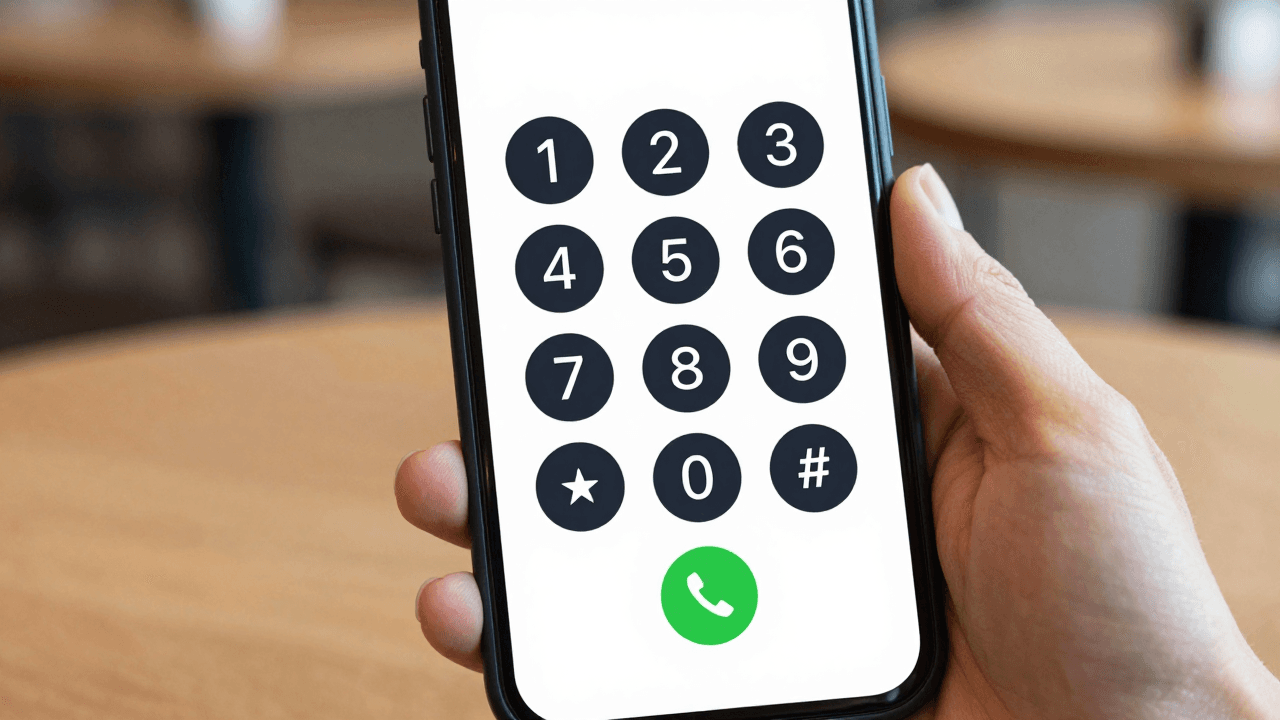
You land in Chiang Mai, Bali or Kuala Lumpur with a laptop, a visa stamp and a to-do list that includes a call to the immigration agent, a call to the landlord's office, and a call to the bank back home. Then the roaming bill arrives, or the local SIM turns out to need a passport scan and a three-day wait, or the "free" calling app can't reach a landline at all. Dialable.world exists for exactly this moment: it is a browser-based, audio-only calling service that lets you dial any landline or mobile number from a tab, with nothing to install and no SIM to buy.
This guide covers Thailand, Indonesia and Malaysia, the three Southeast Asian countries where remote workers, expats and small outsourcing teams make the most practical calls. It explains the dialling formats, the time zones, the connection quality you can expect, and where a browser calling tool fits next to Skype, WhatsApp and Google Voice.
Key Takeaways
- Thailand (+66), Indonesia (+62) and Malaysia (+60) all drop the leading zero when dialled from abroad. Getting this wrong is the number one reason a "dead" number is actually fine.
- Landlines matter here: immigration agents, clinics, co-working offices, utilities and banks are usually reached on a fixed line, and most free messaging apps cannot dial one.
- A browser call needs roughly 100 kbps of stable bandwidth in each direction, far less than most people assume, so ordinary hotel and co-working Wi-Fi is usually enough.
- Dialable is audio-only by design, which keeps the connection lean and the interface to a single dial pad.
- For cheap international calls to landlines, a browser-based dialler typically beats roaming and often beats buying a local SIM for a short stay.
Why is calling Thailand, Indonesia and Malaysia such a hassle from abroad?
Three things collide. First, these countries run on a mix of fixed lines and mobile numbers, and the services you need on a bad day (a clinic, a visa office, a property manager) often publish only a landline. Second, the number formats look unfamiliar. Third, the tools most travellers already have were built for something else.
WhatsApp calling is wonderful when the other person has WhatsApp, but it only connects app to app. It cannot ring the front desk of a condominium or the switchboard of a government office. Google Voice can call out, but its international rates and availability depend on where you are and which country your account was created in. Skype used to be the default answer, and many people still search for a Skype alternative for landline calls precisely because the old habit no longer fits a world where Skype's consumer calling service has been wound down.
Roaming is the other trap. Carriers commonly charge several dollars per minute for calls placed from a foreign network, and even a "travel pass" tends to cap data or restrict voice. A local SIM is cheaper, but registration rules vary, and in some countries you need a passport, a local address or a few days of patience before the SIM is live.
How do you dial Thailand, Indonesia and Malaysia correctly?
Every country uses the same logic: international prefix, country code, then the national number without its leading zero. In Dialable you can usually type the plus sign and the country code straight into the dial pad.
| Country | Country code | Example local number | Dial as | |---|---|---|---| | Thailand | +66 | 02 123 4567 (Bangkok landline) | +66 2 123 4567 | | Thailand | +66 | 081 234 5678 (mobile) | +66 81 234 5678 | | Indonesia | +62 | 0361 123456 (Denpasar/Bali landline) | +62 361 123456 | | Indonesia | +62 | 0812 3456 7890 (mobile) | +62 812 3456 7890 | | Malaysia | +60 | 03 1234 5678 (Kuala Lumpur landline) | +60 3 1234 5678 | | Malaysia | +60 | 012 345 6789 (mobile) | +60 12 345 6789 |
The pattern is the same all three times: remove the first 0, add the country code. Area codes survive (2 for Bangkok, 361 for the Denpasar area of Bali, 3 for Kuala Lumpur), they just lose their zero.
What time is it there, and when should you call?
Thailand sits at UTC+7. Western Indonesia, including Jakarta, is also UTC+7, while Bali and the central region run at UTC+8. Malaysia is UTC+8 across the country. That means a call from Chiang Mai to Kuala Lumpur crosses a one-hour gap even though both are in Southeast Asia, and a call to a US office from any of the three is a late-evening or early-morning affair.
Government offices and clinics generally keep weekday business hours with a lunch break, and public holidays are numerous: Thailand, Indonesia and Malaysia each observe a long list of national and religious holidays. Check the calendar before you spend an hour redialling a closed line.
How does a call from a browser actually work?
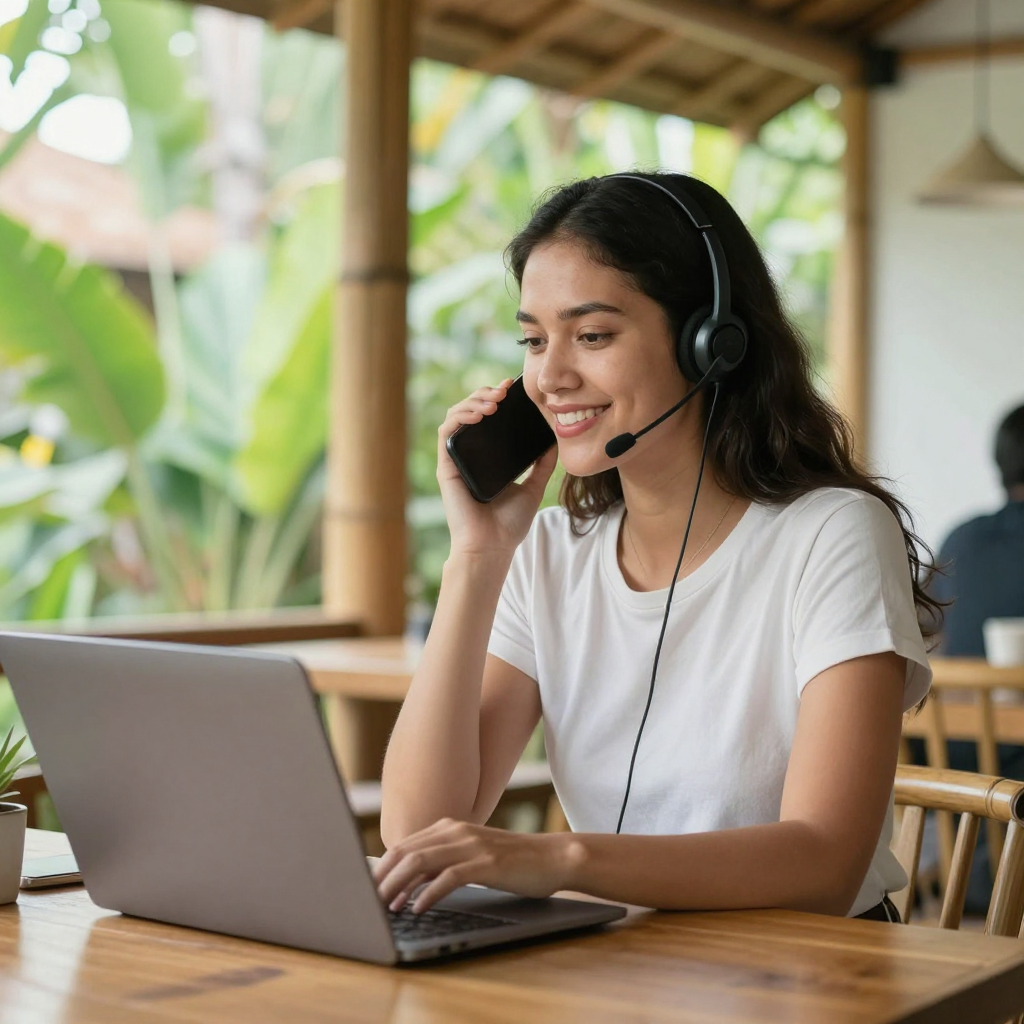
A browser call uses WebRTC, short for Web Real-Time Communication, an open standard built into Chrome, Safari, Firefox and Edge that lets a web page capture your microphone and stream audio directly. Dialable takes that audio and hands it to the PSTN, the public switched telephone network, which is simply the global system of landlines and mobile networks that every ordinary phone number lives on. The bridge between the internet and that network is usually built on VoIP (voice over IP, meaning voice carried as internet data) and SIP (Session Initiation Protocol, the signalling language that sets up and ends the call).
Your voice is compressed by a codec, a small algorithm that shrinks audio so it travels quickly. Modern WebRTC uses the Opus codec, which holds up well on imperfect connections. The practical result is that you can call from browser on a laptop, tablet or phone, with no download and no account juggling, and reach a normal phone number on the other side. Think of it as a dial world tool: one tab, any number, anywhere.
Latency, the delay between speaking and being heard, is the metric that decides whether a call feels natural. Anything under about 150 milliseconds one way is comfortable; above 300 milliseconds people begin talking over each other. A wired or strong Wi-Fi connection to a nearby region usually keeps you in the comfortable zone, even from Southeast Asia to Europe.
What do you need for a good-quality call?
The checklist is short:
- A current browser and permission to use the microphone.
- Roughly 100 kbps of steady upload and download. A speed test that shows 5 Mbps or more is plenty; the stability matters more than the headline number.
- A headset or earbuds, which cut echo and street noise far better than a laptop speaker.
- A quiet corner. A tropical downpour on a tin roof will defeat any codec.
If the line gets choppy, move closer to the router, close big uploads or cloud backups, and switch from the congested 2.4 GHz band to 5 GHz if your router offers it.

How does Dialable compare with the other options?
Here is an honest side-by-side for someone spending a few weeks in the region and needing to reach landlines.
| Option | Reaches landlines? | Setup | Typical drawback | |---|---|---|---| | Home-carrier roaming | Yes | None | Often several dollars per minute | | Local SIM | Yes | Passport, store visit, activation delay | Not ideal for short stays or multiple countries | | WhatsApp calling | No (app to app only) | App and contacts | Cannot ring a clinic or an office switchboard | | Google Voice | Yes, to many countries | Account tied to a country | Rates and availability vary | | Dialable.world | Yes, landline and mobile | Open a browser tab | Needs a working internet connection |
The point is not that every other tool is bad. WhatsApp is perfect for chatting with friends. The point is that cheap international calls to landlines are a specific job, and a browser dialler does that one job without ceremony. It is built for people who want a global call capability that travels with the laptop rather than with a SIM card.
Who actually uses this, and for what?
- Digital nomads book a long-stay condo, confirm a visa-run appointment, or ask a co-working space about a desk, all by phone.
- Freelancers and remote workers call banks, payment providers and clients who prefer a quick voice call to a long email thread.
- Small teams working with Southeast Asian suppliers or outsourced staff ring a manager's mobile without buying a SIM for every trip.
- Expats and returning families call hospitals, schools, utilities and relatives, including the older relatives who only have a landline.
- Business travellers who land in Bangkok, Jakarta or Kuala Lumpur and need to confirm a pickup within minutes.
The thread running through all of them is frictionless access: no installation, no contract, and no waiting for a SIM to activate.
FAQ
Do I need to install an app to call Thailand, Indonesia or Malaysia? No. Dialable runs in a browser tab. Open dialable.world, allow the microphone and type the number with the country code.
Can I call a landline, not just a mobile? Yes. That is the main reason to use it. Landlines, mobiles and switchboards all work, which is exactly what free app-to-app calling cannot do.
Why does my number not connect when I dial it as written locally? The leading zero. Drop the 0 from the national number and add +66, +62 or +60, for example 081 234 5678 becomes +66 81 234 5678.
Is it audio-only? Yes. Dialable is a voice calling service, which is why it stays light on bandwidth and simple to use on hotel Wi-Fi.
Make your next call from the tab you already have open
If you are heading to Chiang Mai, Bali or Kuala Lumpur, or already there and tired of juggling SIMs, try Dialable at dialable.world. Dial the number with its country code, put on a headset and make the call that has been sitting on your to-do list. Dialable is built and maintained by AEGONTECH LLC, and the whole idea is that a real phone call should be as easy as opening a web page.