Your flight was cancelled at 11 p.m., the gate agent shrugged, and the airline's app just spins. The only path to a rebooked seat is a phone call to a reservations desk that has a 90-minute hold queue, and your roaming plan either doesn't exist or costs a small fortune per minute. This is exactly the moment when Dialable earns its place on your laptop. Dialable.world is a browser-based, audio-only calling service: open a tab, dial a real landline or mobile number anywhere in the world, and talk. No app download, no local SIM, no roaming bill. It is a practical Skype alternative for landline calls, and airport terminals are where that matters most.
Key Takeaways
- Airline reservation desks, hotel front desks and travel-insurance hotlines still run on ordinary phone numbers, and many reroute chat or app requests back to the phone anyway.
- Airport Wi-Fi is usually good enough for a voice call: a call needs roughly 30-100 kbps, far less than the multi-megabit connection a video stream would demand.
- With Dialable you can call from browser tabs on a laptop, so your phone battery and your data plan are untouched.
- Cheap international calls to landlines avoid the roaming trap: carriers commonly charge several dollars per minute abroad, and a single hour-long hold can cost more than the rebooked ticket.
- Prepare before you travel: save numbers, test your headset, and keep a Wi-Fi fallback.
Why is a cancelled flight still a phone-call problem?
Airlines advertise chat bots and self-service rebooking, and those work for simple delays. But when a cancellation strands a whole aircraft, the app queues overflow and the fastest resolution is often a human agent on the phone. Agents can waive fare differences, split itineraries across partner airlines, and unlock hotel vouchers that a bot cannot. Industry hold times during mass disruptions frequently run 45 to 120 minutes, and everyone in the terminal is competing for the same queue.
That creates a bind. Your home SIM may not work abroad, or it may work at punishing roaming rates. Many carriers charge $2 to $10 per minute for international roaming voice, so a 60-minute hold to a toll number can vanish a hundred dollars or more. A local SIM kiosk, if it is even open at midnight, costs time you do not have.
How does calling from a browser actually work?
Dialable relies on WebRTC (Web Real-Time Communication), an open standard built into modern browsers that lets a tab capture your microphone and stream audio directly, without a plugin. On the other end, the call is handed to the PSTN (Public Switched Telephone Network), the traditional worldwide network of landlines and mobile carriers. Behind the scenes, VoIP (Voice over Internet Protocol) carries your speech as data packets until it reaches that handoff point, where it becomes an ordinary phone call.
Two more terms are worth knowing. A codec is the algorithm that compresses your voice into small packets; modern codecs such as Opus produce clear speech at only 6-40 kbps. Latency is the delay between speaking and being heard, and for a comfortable conversation you want it under about 150 milliseconds. Airport Wi-Fi is congested but rarely so bad that it breaks those numbers, which is why voice works where other tools stall.
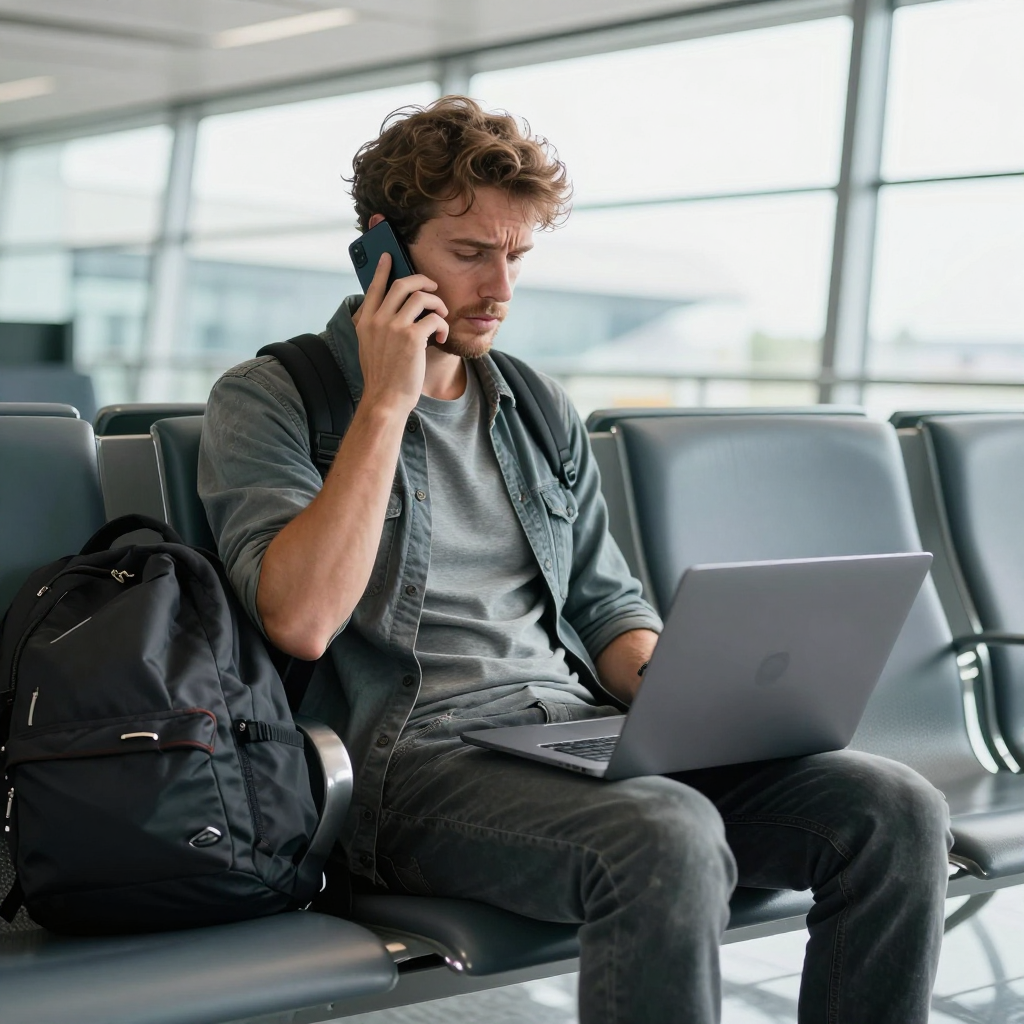
What do you need to call an airline from an airport terminal?
The setup takes about two minutes:
- A laptop or tablet with a modern browser. Chrome, Edge, Firefox and Safari all support WebRTC.
- The airline's reservation number for your region. Look it up on the airline's official site before you land, and save it offline. Many airlines list a local number for each country, and dialing the number for the country you are standing in is often cheaper and faster.
- A headset or earbuds with a microphone. Terminals are loud. A basic headset improves clarity more than any other single change.
- Open Dialable.world, enter the number in international format, and press call. That is the whole process to call from browser without touching your phone.
If the number is a toll-free line such as an 800 number, be aware that some toll-free numbers do not accept calls from abroad; check for an alternative geographic number and use that instead. The same applies to your travel insurer and your hotel.
Who else should you call while you wait?
A cancellation is a chain reaction. While the airline agent works your case, or while you are on hold in another tab, you may need to:
- Call your hotel to hold a late-arrival room or cancel tonight's booking without a no-show fee.
- Call the ground transfer or car service waiting at your destination.
- Call your travel insurer to open a claim before you incur out-of-pocket costs. Many policies require notice within a fixed window.
- Call your card issuer if the disruption triggers a purchase or a fraud alert on a rebooking charge.
- Call the person waiting for you, especially family, a landlord handing over keys, or a client expecting you in a meeting.
Each of these is a call to an ordinary phone number, sometimes a landline, sometimes a mobile. That is the sweet spot for a dial world approach: one browser tab per call, one service, and every destination reachable.

How much does it cost compared with the usual options?
Exact rates vary by destination, so always check the live rate on Dialable.world before you dial. The comparison below uses typical ranges to show the shape of the difference.
| Option | Typical cost per minute to an international landline | Setup time | Works on landlines? | |---|---|---|---| | Home-carrier roaming | $2-$10 | None, but bill shock later | Yes | | Airport SIM kiosk | $0.10-$1, plus $15-$40 for the SIM | 15-30 minutes | Yes | | WhatsApp / Messenger calling | Free | None | No, only other users | | Google Voice | Roughly $0.01-$0.50 by country | Account required in advance | Yes, with limits | | Dialable | Pay-as-you-go; typically pennies for major landline destinations | Under 2 minutes | Yes |
The insight for stranded travelers is the row for free app calling: it is free, but it only reaches people on the same app. An airline reservations desk is not on WhatsApp. That is why cheap international calls to landlines and mobiles are a different product category from free chat calling, and why a service built around the phone network, rather than an app-to-app network, is what you need in a terminal.
A 60-minute hold at typical roaming rates could run $120 to $600. The same hold from a browser at pay-as-you-go landline rates is a small fraction of that. Even if your airline puts you on hold for two hours, the meter stays gentle.
How do you keep a call stable on crowded Wi-Fi?
Voice is forgiving, but a few habits make it more reliable:
- Sit near the gate area's access point rather than in a far corner of the food court.
- Close streaming tabs and cloud syncing. Voice needs little bandwidth, but jitter (variation in packet arrival time) hurts more than low speed.
- Use a wired headset to avoid adding Bluetooth interference to an already busy 2.4 GHz band.
- Prefer the 5 GHz Wi-Fi network if the airport offers one.
- Keep your laptop plugged in. Sockets near gates are the scarcest resource in the building, so grab one early.
If the Wi-Fi drops, redial rather than waiting; many airline systems will reconnect you to the same queue position if you call back quickly, and some offer a callback option you can accept while your browser tab stays open.
Frequently Asked Questions
Can I use Dialable to call an airline's toll-free number? It depends on the number. Some toll-free lines only accept calls from inside their home country. If the toll-free number fails, look for the airline's regular geographic number for your location, which usually works from anywhere.
Is Dialable a video calling tool? No. Dialable is audio-only, built for voice calls to real landline and mobile numbers, and that is exactly why it works on weak airport Wi-Fi.
Do I need to create an account or install an app? You open Dialable.world in your browser and dial. There is no app to install, which matters when your phone storage is full and your battery is at 9 percent.
Is it a real replacement for Skype for landline calls? For calling landlines and mobiles from a laptop, yes. If you were looking for a Skype alternative for landline calls, browser-based dialing covers the same job without installing software.
The next cancellation is a matter of when, not if
Disruptions are a normal part of travel, and the traveler who recovers fastest is the one who can reach a human agent before the queue swells. Keep the airline's numbers saved, keep a headset in your bag, and keep a browser tab ready. When the departure board turns red, open Dialable.world, start your global call, and get back on a plane. Dialable is built and operated by AEGONTECH LLC, for exactly the moments when a phone number is the only door that opens.