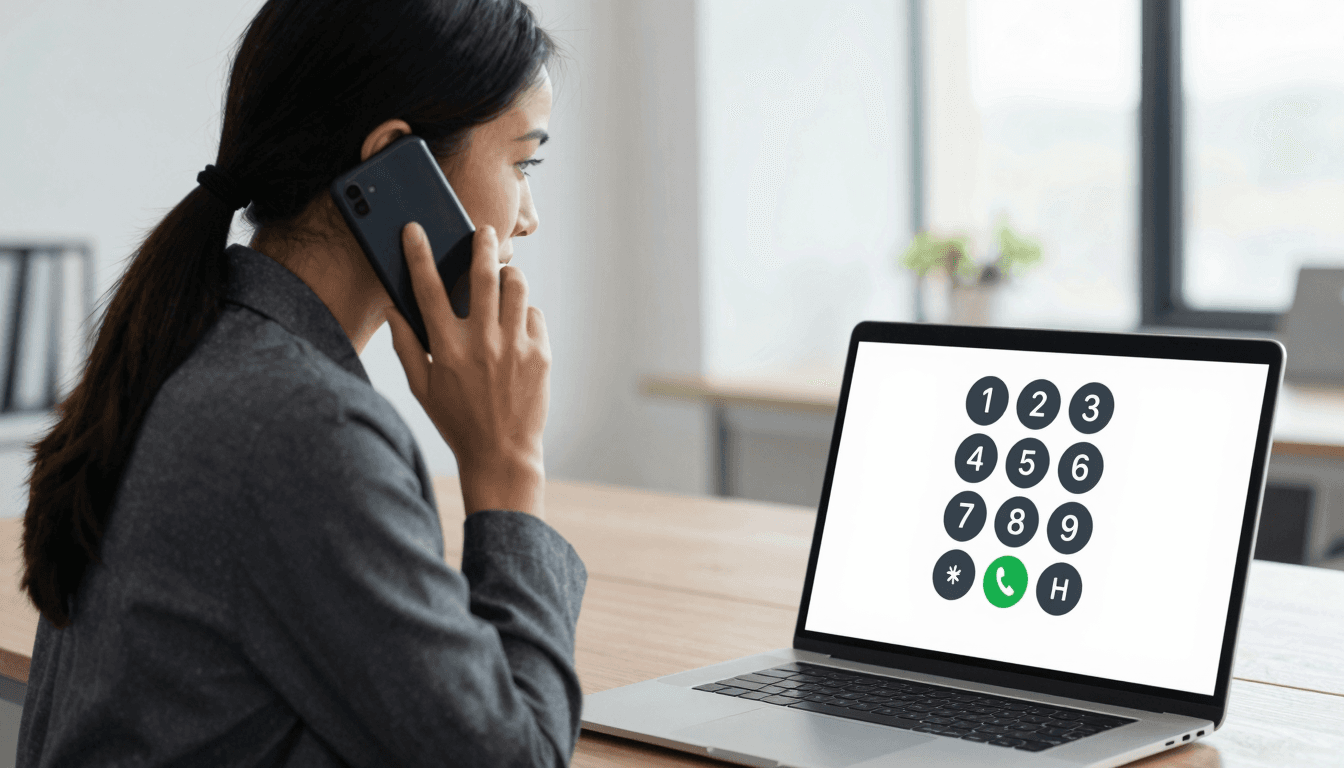
Sales reps chasing overseas prospects know the drill: a promising lead sits in a country three time zones away, and the only way to reach them is a real phone call to a real landline or mobile number — not a chat app, not an email that gets ignored. Dialable exists for exactly this problem. Dialable.world turns any browser tab into a dial pad that can call world, reaching actual landlines and mobiles in dozens of countries, with no app to install and no desk phone to configure. For sales teams doing outbound cold calling internationally, that difference between "can send a message" and "can call world" is often the difference between a closed deal and a lead that goes cold.
Key Takeaways
- Dialable lets sales reps call from browser directly to real landline and mobile numbers abroad — no softphone install, no SIP trunk setup, no IT ticket.
- International calling through traditional VoIP apps or carrier roaming plans can run $0.30–$2.00+ per minute; browser-based calling to landlines is frequently a fraction of that.
- WebRTC, the browser technology behind Dialable, typically connects in under 2–3 seconds versus 5–10+ seconds for some legacy dialers.
- Dialable works as a genuine Skype alternative for landline calls, since Skype-to-landline credit has become increasingly expensive and inconsistent.
- Audio quality depends on codec choice and network conditions — Dialable is built to minimize latency even on hotel or coworking-space wifi.
Why Are International Sales Calls So Broken Right Now?
Ask any SDR or account executive running an outbound motion into Europe, Latin America, or Southeast Asia, and they'll tell you the tooling is the bottleneck, not the pitch. Most sales engagement platforms are built around domestic dialing, or they bolt on international calling as an expensive add-on tier. Reps end up juggling a company Slack, a CRM, a separate softphone app that needs a plugin, and sometimes a personal cell phone because the "real" system doesn't reliably reach a landline in, say, Portugal or the Philippines.
That friction compounds. A rep who has to open a heavyweight desktop app, wait for it to authenticate, then dial a number formatted exactly right for a foreign PSTN (the Public Switched Telephone Network — the traditional circuit-switched phone network that landlines and most mobile numbers still terminate on) loses momentum. Cheap international calls to landlines shouldn't require a 400MB installer and an IT approval process. This is the exact gap Dialable was built to close: click, dial, talk, from whatever browser tab is already open.

What Actually Happens When You Click "Call" in a Browser?
Understanding why browser-based calling works is worth a minute, because it explains why it's often both cheaper and more reliable than legacy alternatives.
Dialable runs on WebRTC (Web Real-Time Communication), a browser standard that lets audio streams travel directly between your device and Dialable's calling infrastructure without a plugin. That stream then gets bridged onto the traditional phone network — the same PSTN that's carried landline calls for decades — through a VoIP (Voice over Internet Protocol) gateway. In plain terms: your voice becomes digital audio the moment you speak, gets compressed by a codec (the algorithm that shrinks audio data for transmission — better codecs mean clearer sound at lower bandwidth), and gets routed over the internet until it needs to hand off to a real phone line, at which point it converts back into a standard telephone signal the recipient's landline or mobile can receive.
This is also where SIP (Session Initiation Protocol, the signaling standard that sets up and tears down most VoIP calls) typically enters the picture on the backend, even though the rep dialing never sees it. The upshot for a sales team: no desk hardware, no app download, and a connection that typically establishes in 2–3 seconds rather than the 5–10 seconds some legacy dialers take to authenticate and connect.
Latency — the delay between speaking and being heard — is the other variable that makes or breaks a sales call. A laggy connection makes a prospect think the rep is unprofessional or overseas in a bad way; a clean one is invisible, which is the goal. Dialable is engineered to keep latency low even on unpredictable networks like hotel wifi or a coworking space's shared connection, which matters enormously for reps who travel.
How Does Dialable Compare to Skype, WhatsApp Calling, Google Voice, and Zoom?
Every sales team has already tried the obvious alternatives, and each one has a specific gap when the target is a real landline or a mobile number that isn't on the same app:
- Skype: Once the default answer for calling landlines from a computer, Skype credit pricing has crept up and the desktop client has grown heavier over the years. Reps increasingly search for a Skype alternative for landline calls that doesn't require maintaining a Skype credit balance.
- WhatsApp Calling: Excellent for reaching contacts who also have WhatsApp installed — useless for a landline receptionist or a prospect who's never used the app. It's a closed network, not a general phone line.
- Google Voice: Solid for a US-based number, but international landline coverage and per-minute rates outside North America are inconsistent, and the setup process assumes a Google Workspace environment many small sales teams don't have.
- Zoom: Built for scheduled meetings with a link and (usually) video, not for spontaneous outbound voice dialing to a phone number. It's the wrong tool shape for cold calling entirely.
Dialable's pitch is narrower and, for this use case, more useful: audio-only global call capability, aimed specifically at reaching real phone numbers, in a browser tab, without the baggage each of the above carries for this particular job.
What Does This Actually Cost a Growing Sales Team?
Budget is where browser-based calling makes its strongest case. Carrier international roaming plans can run $1–$3 per minute depending on destination. Traditional VoIP apps with per-minute landline billing frequently land in the $0.30–$0.80 range for common business destinations in Western Europe, and considerably higher for less-trafficked corridors. Desk-phone SIP trunk contracts, meanwhile, often require monthly minimums and multi-line commitments that don't make sense for a five-person outbound team.
Because Dialable runs entirely through the browser and bridges directly onto VoIP infrastructure rather than reselling carrier minutes, per-minute costs to landlines are frequently a fraction of the legacy options above — and there's no hardware, no desk phone, and no per-seat softphone license to provision. For a team making even 200 international calls a month, the gap between $0.50/minute and a browser-based rate compounds into real budget relief by the end of a quarter.

Frequently Asked Questions
Does Dialable support video calls for sales demos? No — Dialable is audio-only by design. It's built specifically for voice calling to landlines and mobiles, not video conferencing. Teams that need screen-share demos should keep a separate meeting tool for that step of the funnel; Dialable is for the calls that come before and after, where a phone connection is what actually gets picked up.
Can I use Dialable to call a landline in a country I've never sold into before? Yes — Dialable is built to call world, reaching landline and mobile numbers across a wide range of countries. Coverage and per-minute rates vary by destination, so it's worth checking a specific country before a big outbound push, but the browser experience is identical everywhere.
Do I need to install anything on a company laptop? No install, no admin rights required, no IT ticket. Because Dialable runs on WebRTC inside the browser, any laptop with a modern browser and a microphone can dial from anywhere, which matters for distributed sales teams and reps who travel between conferences.
Is call quality actually good enough for a serious sales conversation? Call quality depends heavily on the codec and the strength of the network on both ends, same as any VoIP or WebRTC service. Dialable is engineered to keep latency low and audio clear even on inconsistent connections like hotel or event wifi, which is precisely the environment traveling reps are calling from most often.
The Bottom Line
Cold calling internationally shouldn't require a hardware budget, a carrier contract, or a workaround stitched together from three different apps. Dialable strips the problem down to what a sales team actually needs: a way to call from browser straight to a real landline or mobile, anywhere Dialable has coverage, at a per-minute cost that doesn't eat into the deal's margin before it's even closed. For teams evaluating their outbound stack, or founders tired of losing momentum every time a lead needs an actual phone call, dialable.world is worth a look before renewing another VoIP contract.
Sales and revenue teams building out their broader outbound infrastructure — CRM integrations, calling workflows, and the systems around the dialer itself — can also find technical partners like AEGONTECH LLC useful for wiring these tools together.