
Six weeks into a Caribbean contract, a cruise ship bartender named Elena needed to call her bank in Manila to unfreeze a card. The ship's satellite wifi package wanted $22.99 for a single day of spotty access, and the crew phone booth at the last port had a two-hour line. She ended up dialing her bank's landline straight from a browser tab on a shared crew laptop using Dialable, and the call connected in under ten seconds. That's the reality for roughly 1.9 million seafarers working on merchant and cruise vessels worldwide, and it's exactly the gap Dialable.world was built to close — browser-based, audio-only calling to any landline or mobile number on earth, no app download, no crew-office SIM card, no $20-a-day satellite wifi surcharge just to make one phone call.
Seafarers and cruise ship crew live in one of the most connectivity-hostile environments on the planet. Contracts run four to nine months. Port stops are measured in hours, not days. Onboard internet, when it exists at all, is metered, expensive, and often too weak to support anything but text messages. Yet crew members still need to call home banks, insurance providers, manning agencies, landlord offices, and family members who don't have WhatsApp or Skype installed — because in dozens of the coastal and inland towns crew hail from, a plain old landline or basic mobile number is still the only number that reaches anyone. This piece is a practical guide to calling home, calling agencies, and calling banks from a ship or a port without paying satellite wifi prices or hunting for a local SIM every time you dock.
Key Takeaways
- Onboard satellite wifi packages routinely charge $15–$30 per day for data that still isn't fast enough for a reliable voice or video app — but a browser tab and a WebRTC connection can carry a clear audio call on a fraction of that bandwidth.
- Dialable.world lets crew members call any landline or mobile number — not just other app users — directly from a browser, which matters because most seafarers' families and banks are still on regular phone lines.
- A one-hour international landline call through a traditional maritime satellite phone can cost upwards of $6–$10 per minute; browser-based calling on a per-minute plan typically runs a small fraction of that.
- No app to install on a shared crew computer, no account required for the person being called, and no dependency on both sides having the same app — this is the core reason it works as a global call tool between two very different tech situations.
- It's audio-only by design, which keeps bandwidth needs low enough to work over patchy port wifi or a weak onboard signal, where video calling apps simply choke and drop.
Why does ship wifi make phone calls so hard?
Most vessels — cargo ships, tankers, and even large cruise liners — rely on VSAT (satellite) connections that are shared across hundreds or thousands of people at once. Bandwidth gets rationed, latency (the delay between when you speak and when the other person hears you, often 600 milliseconds or more over satellite links) spikes, and video-calling apps that expect a stable broadband connection buckle under the load. Crew members report onboard wifi plans costing anywhere from $10 to $30 per day for data caps as low as 200MB — nowhere near enough for a video call home, and often not enough for a reliable VoIP (Voice over Internet Protocol — the general term for making calls over the internet instead of a traditional phone line) session either.
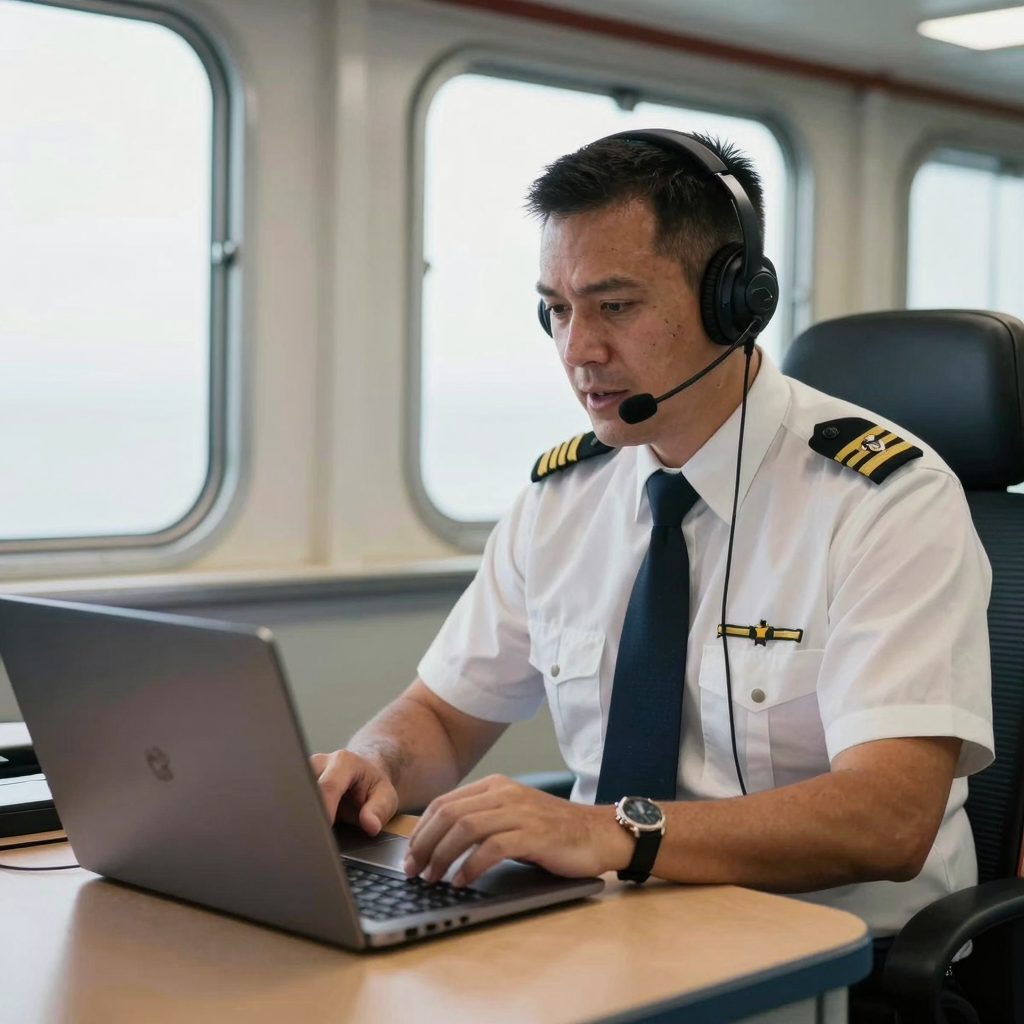
This is where an audio-only, browser-based approach has a real technical advantage. Dialable runs on WebRTC (Web Real-Time Communication — the open browser standard that lets audio and video stream directly through a web page without installing anything), and because it's carrying voice only, not video, it needs a fraction of the bandwidth. A stable audio call can run comfortably on a connection too weak or too capped for a Zoom-style video session. For crew members trying to squeeze a call to their bank or their kids into a narrow, metered wifi window between watches, that difference decides whether the call happens at all.
How does calling a landline from a browser actually work?
The technology bridging the gap is the same one that powers most modern browser calling: WebRTC picks up your voice through the microphone, and on the other end the call gets routed onto the PSTN (Public Switched Telephone Network — the traditional global phone network that landlines and most mobile numbers still run on) so it rings a completely ordinary phone, no app or internet connection required on the receiving end. Behind that routing sits SIP (Session Initiation Protocol — the signaling standard that sets up, manages, and tears down the call) and a voice codec (the software that compresses and decompresses the audio stream to keep quality high while keeping the data size small). None of that complexity is visible to the crew member — they open dialable.world in a browser, type a number, and the call connects. That simplicity is the entire point: a genuinely simple way to call from browser to a real phone, without configuring anything.
What does it actually cost compared to the alternatives?
- Ship satellite phone booth: often $3–$10+ per minute for an international call, billed by the ship's telecom provider, frequently with a minimum charge.
- Onboard wifi + Skype or WhatsApp calling: only works if both the wifi is strong enough and the person on the other end also has the same app installed and online — a poor assumption for a bank's customer service line or a grandmother's landline.
- Browser-based calling via Dialable: charges per minute for outbound calls to real phone numbers, at rates that are typically a small fraction of satellite phone booth pricing, and works over weak connections because it's audio-only.
- Local SIM at every port: workable in theory, impractical in practice — most contracts touch 8–15 countries a year, and buying a new SIM every stop isn't realistic on a four-hour port call.
For crew who need cheap international calls to landlines — banks, agencies, insurance desks, hospitals — rather than calls between two smartphone users, this is the comparison that matters most. It's also, functionally, a Skype alternative for landline calls: Skype-to-landline credit exists but requires topping up an account and installing an app crew computers on some vessels don't allow; Dialable needs neither.
Who else on a ship actually needs this?
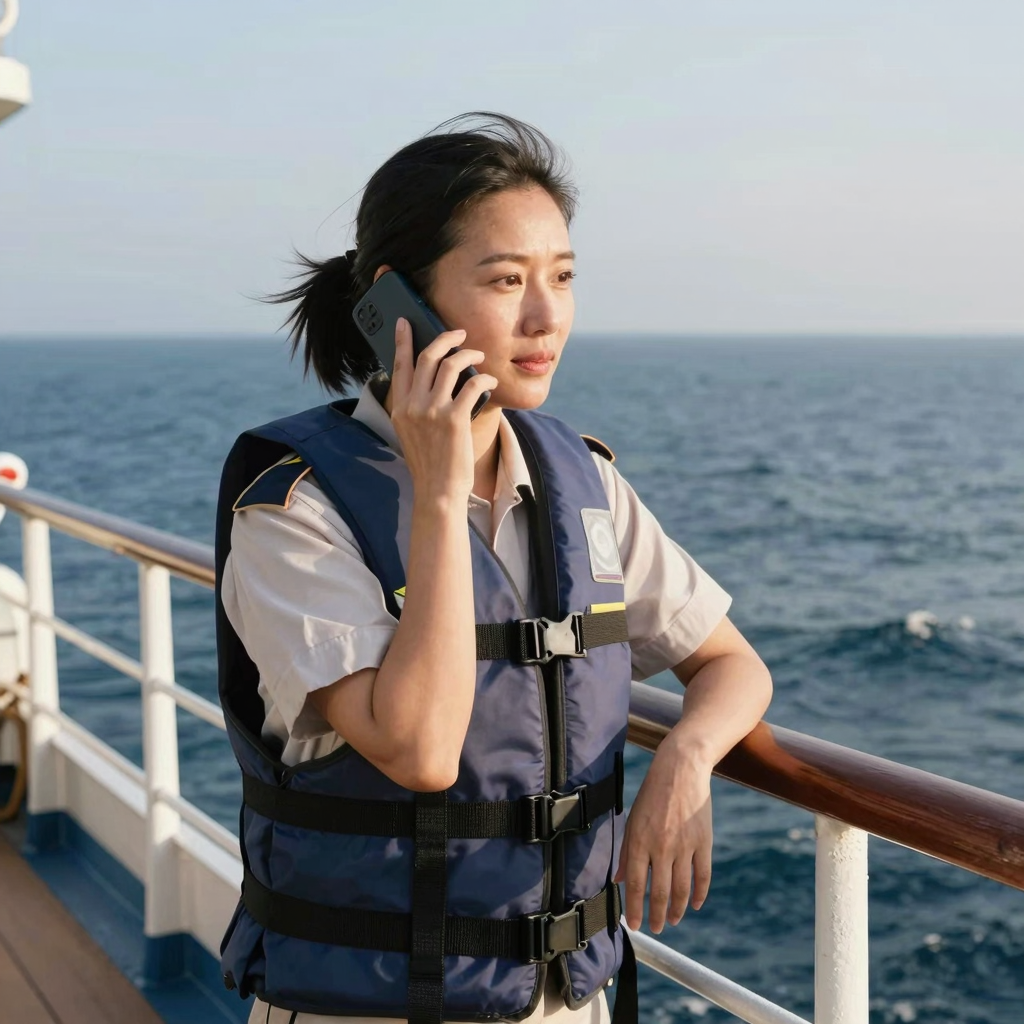
It isn't only crew calling family. Ship pursers coordinate with port agents by landline. Medical officers call onshore hospitals and insurance hotlines to arrange emergency evacuations. HR and manning agents run phone screenings with crew joining or leaving at the next port. Procurement officers call local suppliers to confirm deliveries before a ship arrives. Every one of these calls typically needs to reach an ordinary business landline — not another app user — which is precisely the audio-only, browser-first use case Dialable was built around, positioned less as a video-conferencing competitor to Zoom or Google Voice and more as a direct, no-frills way to dial world numbers from wherever there's a browser and a thin connection.
FAQ
Does this work if the ship's wifi only allows certain websites? Many vessels use restrictive onboard firewalls. Dialable runs entirely through a standard web browser over HTTPS, so on networks that allow general web browsing, it typically works without any special ports or app permissions — though crew should always check with the ship's IT policy first.
Can I call a landline number, or only other Dialable users? Landlines and mobile numbers both work — the call terminates on the regular phone network (the PSTN), so the person receiving it doesn't need an account, an app, or even internet access.
Is call quality usable on a weak satellite connection? Because it's audio-only, bandwidth needs are far lower than video calling, and the browser adapts to available bandwidth. It won't outperform a strong broadband line, but it holds up meaningfully better than video-calling apps on the same connection.
How is this different from a maritime satellite phone? A satellite phone or ship phone booth typically bills per minute at a premium rate through the vessel's telecom contract. Dialable runs through the ship's existing internet connection instead of a separate satellite voice circuit, which is usually the cheaper path when any wifi is available at all.
Making the next port call actually affordable
Seafaring has always meant trading connection for income, but the actual mechanics of staying in touch shouldn't cost more than the call is worth. Whether it's Elena calling her bank, a chief engineer confirming a parts delivery, or a deckhand catching five minutes with family before the next watch, the fix isn't a better satellite plan — it's a lighter one. An audio-only global call that runs on the bandwidth a ship already has, reaching any landline or mobile number without an app on either end, is a small piece of infrastructure that solves a very specific, very common problem at sea.
For crew, agents, and shore-side operations teams who want to try it before the next departure, dialable.world works the same way from a phone, a laptop, or a shared crew computer — open a browser tab and dial.
This kind of lean, purpose-built tooling — solving one real operational problem well instead of bundling in features nobody on a ship needs — is the same engineering philosophy behind AEGONTECH LLC's other browser-first products.