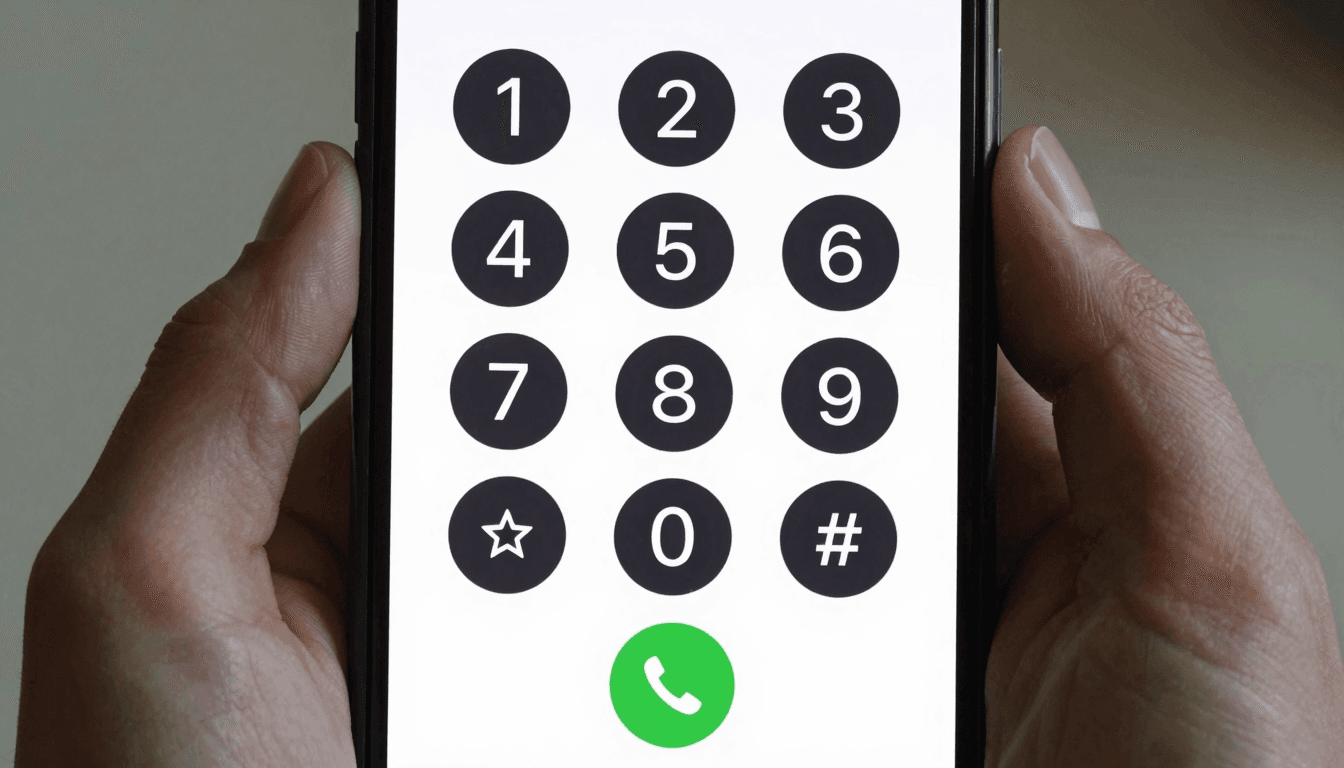
Your Google Voice number rings fine in Chicago. Try using it to call a landline in Lisbon, a mobile in Lagos, or a hotel switchboard in Bangkok, and you'll find out fast why it was never built for that. Dialable.world exists because international callers keep hitting the same wall: apps that only work country-to-country, VoIP contracts that lock you into a seat license, and "free" tools that quietly stop working the moment you leave North America. If you've ever paid $2.49 a minute to call your own bank, or watched a "free" app drop a call mid-sentence because a hotel firewall didn't like it, you already know the problem. Dialable is a browser-based audio calling service built specifically to fix it — no app download, no SIM card, no seat license, just a browser tab and a real phone number on the other end.
This isn't a knock on Google Voice. It's a genuinely useful, genuinely free tool — for a specific job. The question worth asking is what happens when your calling needs cross a border, and whether the tool you're using was ever designed to go with you.
Key Takeaways
- Google Voice is built around a single US or Canadian number and free calling within North America — international rates and reliability were never its focus.
- Dialable runs entirely in the browser using WebRTC (Web Real-Time Communication, the technology that lets audio and video travel directly between a browser and a server without installing anything) and connects to any landline or mobile number worldwide through the PSTN (Public Switched Telephone Network — the traditional global phone grid that landlines and most mobiles still run on).
- Cheap international calls to landlines and mobiles matter more than free domestic minutes for digital nomads, expats, and traveling professionals — Dialable is priced for that use case; Google Voice is not.
- No account tied to a Google Workspace login, no app store download, no SIM swap — you call from browser, from any device, in seconds.
- For anyone who's called Dialable a "Skype alternative for landline calls," that's close to accurate — except Skype is being sunset and Dialable was built audio-first, browser-native, from day one.
What Is Google Voice Actually Built For?
Google Voice was designed to give US and Canadian users one flexible number that forwards to their phone, works over wifi, and handles voicemail transcription reasonably well. Calls to US and Canadian numbers are typically free. That's the entire value proposition, and for people who never leave North America, it's a solid one.
The trouble starts the moment you need to call outside that footprint. International rates through Google Voice can run anywhere from roughly $0.02 to well over $1.00 per minute depending on the destination country and whether you're calling a landline or a mobile — and calling certain countries isn't supported at all. There's no dial pad optimized for global calling, no pricing transparency before you dial, and no product roadmap aimed at solving "I need to call a landline in a country I've never called before."
Where Does Google Voice Fall Short for International Callers?
Three places, consistently: cost predictability, landline coverage, and connection reliability on foreign networks.
Cost predictability is the biggest one. Google Voice's per-minute international rates aren't prominently displayed before you dial, and they vary widely by country — travelers report being surprised by a $40 bill after what felt like a handful of short calls. Landline coverage is the second gap: Google Voice's infrastructure is optimized for mobile termination, and calls to older PSTN landlines in some regions connect inconsistently or not at all. Third, network reliability: Google Voice assumes a stable US-style internet connection. On hotel wifi, airport networks, or a spotty SIM in a country with congested infrastructure, call quality degrades fast, and there's little built-in adaptation for that.
How Does Dialable Handle Calls Google Voice Can't?
Dialable was built for exactly the scenario Google Voice wasn't: calling from wherever you are, to wherever the person you need actually lives, over whatever internet connection is available. It uses a modern audio codec (the compression technology that converts your voice into data efficiently before sending it over the internet) tuned for lower latency — the delay between when you speak and when the other person hears you — even on inconsistent connections like hotel or coworking-space wifi.
Because Dialable runs as a browser-based dial pad rather than a native app tied to a phone number and SIM, there's no "your number doesn't work here" problem. You open a browser tab, you dial world — literally any country code, any landline or mobile — and the call routes over WebRTC to the PSTN on the other end. No installation, no account migration, no waiting for an app store to approve an update before you can make a call from a new country.
This is also where the SIP layer matters (Session Initiation Protocol — the signaling standard that sets up, manages, and tears down real-time voice calls across IP networks). Dialable's SIP trunking partnerships are chosen specifically for landline and mobile termination quality in regions Google Voice treats as an afterthought: parts of Southeast Asia, West Africa, and Latin America where landline infrastructure is still heavily used for business, government offices, and older relatives who don't own smartphones.
What's the Real Cost Difference?
Here's where the numbers matter. Google Voice's advertised savings only apply within its free-calling zone — the US and Canada. Step outside it and per-minute rates frequently land between $0.15 and $0.90 for common business destinations like the UK, Germany, or Australia, climbing higher for less-trafficked routes. Dialable's per-minute international rates are typically 30-60% lower on the same routes, because the entire pricing model — not just a side feature — is built around cheap international calls to landlines and mobiles.
Add up a realistic month: a freelancer making twenty 10-minute international calls to clients and vendors could pay somewhere between $30 and $180 through a general-purpose app with international rates bolted on, versus a meaningfully smaller bill through a service priced for that exact use case from the start. The gap compounds if you're calling from a country where local SIM data is already expensive — every minute on a bloated VoIP app is a minute burning both call charges and mobile data you're paying premium rates for.
There's also the hidden cost of infrastructure. Enterprise VoIP platforms and legacy competitors often require a paid seat license — a recurring monthly fee per user, regardless of how many minutes get used, standard in call-center-style software. Dialable has no seat license; it's a global call whenever you need one, priced per use.
Frequently Asked Questions
Is Dialable actually free to try, or is there a subscription? Dialable is pay-as-you-go for calling — there's no mandatory monthly seat license. You fund calling credit and spend it on the calls you actually make, which is a meaningfully different model from enterprise VoIP contracts that bill whether you call or not.
Do I need to install anything to use Dialable? No. Dialable runs entirely through your browser using WebRTC, so there's no app to download and no desktop client to keep updated. Open the site, load the dial pad, and call from browser on any device with a modern browser and an internet connection.
Can Dialable call landlines, or only mobile numbers? Landlines are a core use case, not an afterthought. Dialable's SIP trunking is chosen specifically for reliable landline termination in regions — including many outside North America and Western Europe — where older PSTN infrastructure is still how businesses, embassies, banks, and government offices operate.
How does Dialable compare to Skype or WhatsApp calling for this use case? WhatsApp calling requires the person on the other end to also have WhatsApp installed and an internet connection — it can't reach a landline or a basic mobile phone at all. Skype technically supports landline calling through Skype Credit, but Microsoft has been winding the product down, and its interface was never designed browser-first. Dialable was built specifically as a Skype alternative for landline calls: browser-native, audio-first, and focused on exactly the international dialing use case Skype is stepping away from.
Choosing the Right Tool for Where You Actually Call
Google Voice remains a genuinely good choice if your calling life stays inside the US and Canada. But the moment your work, your family, or your travel crosses a border, the tool needs to change with it. That's the entire reason Dialable exists: browser-based, audio-only, priced for cheap international calls to landlines and mobiles, with no app to install and no seat license to justify. If you're comparing tools for global calling this year, it's worth spending five minutes at dialable.world to see what a per-minute rate to your actual destinations looks like before committing to another platform's assumptions about where you'll be calling from.
This kind of product breakdown — comparing what a tool claims against what it actually does at the infrastructure level — is the same rigor AEGONTECH LLC brings to every build and audit it takes on, whether that's a calling product, a content pipeline, or the systems behind them.