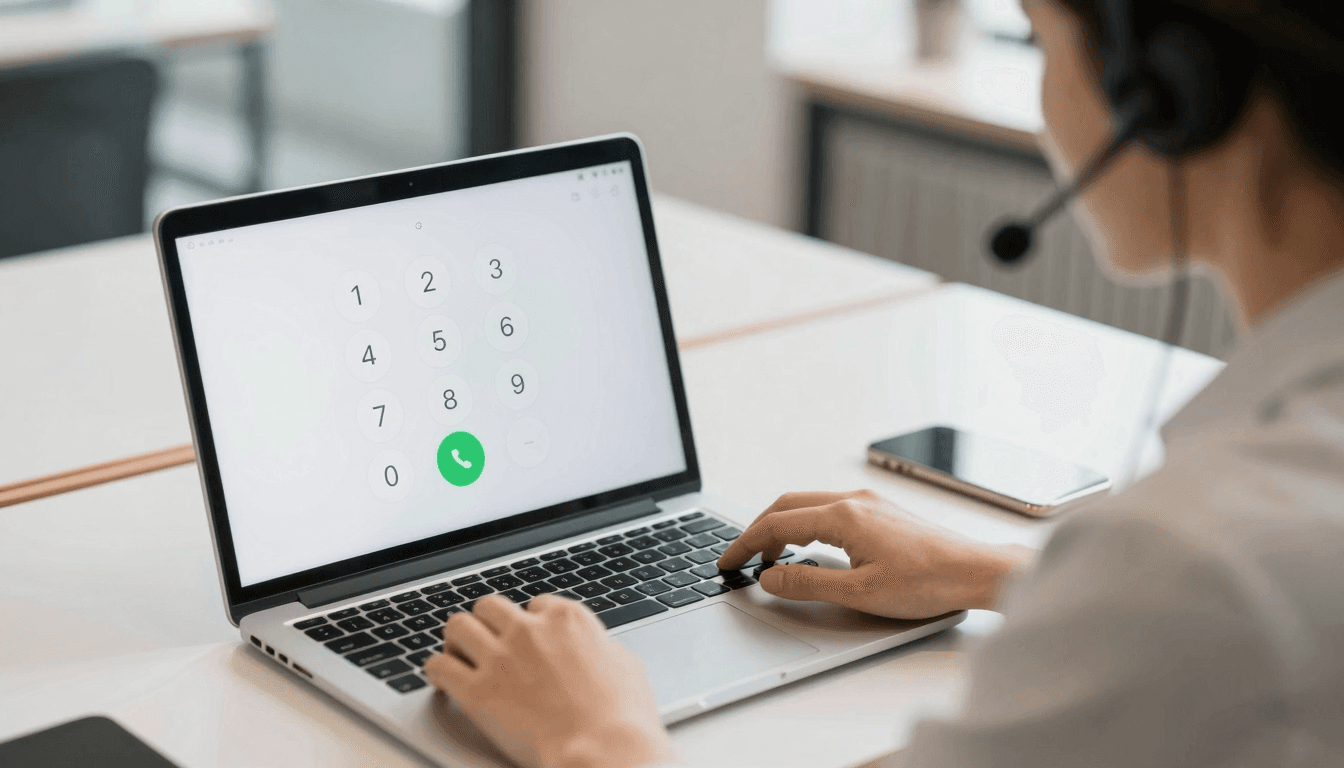
Your last trip to voicemail hell probably started the same way mine did: a €40 roaming surcharge, a dropped call to a landline in another country, and a bloated calling app that wanted to sync your entire contact list before it would let you dial a single digit. If you have ever tried to reach a hotel front desk in Lisbon, a supplier's office phone in Ho Chi Minh City, or your grandmother's landline in rural Ohio while traveling abroad, you already know the frustration. Dialable.world set out to fix exactly that problem — a browser tab, a phone number, and a call, nothing else. This is a real comparison of Dialable against Google Voice, the tool most digital nomads and remote workers already have open in another tab, to see which one actually gets a call connected to a landline or mobile phone without the friction.
Key Takeaways
- Dialable.world runs entirely in a browser tab using WebRTC (Web Real-Time Communication, the browser technology that lets audio travel directly between your device and the person you're calling without installing anything).
- Google Voice requires a Google account, a US-based number for full functionality, and often blocks or heavily surcharges landline calls outside North America.
- International landline rates through legacy VoIP (Voice over Internet Protocol, the general term for making phone calls over an internet connection instead of a traditional phone line) apps commonly run $0.10 to $0.30 per minute to countries outside the US and Canada — Dialable's browser-based rates are frequently a fraction of that.
- Dialable supports calling to landlines and mobiles in more than 150 countries directly from the browser, no SIM card and no app download required.
- Call setup on Dialable typically completes in under three seconds thanks to a lightweight SIP (Session Initiation Protocol, the standard signaling protocol used to set up and tear down voice calls) backbone optimized for browser-only connections.
Why Does Google Voice Struggle With International Landlines?
Google Voice was built primarily as a US-centric service. If you're an American expat calling home, it can work reasonably well. But the moment you need to dial a landline in Germany, the Philippines, or Brazil, the pricing and reliability get shaky fast. Google Voice's per-minute rates to landlines outside North America frequently land between $0.10 and $0.30, and some countries are excluded entirely from direct dialing. For a freelancer coordinating with clients across three continents, or a startup founder calling suppliers in Southeast Asia, those costs and gaps add up quickly.
Dialable.world was designed around the opposite assumption: that the person calling and the person being called could be anywhere. Dial world is the literal goal — pick up a browser tab, type a number, and the WebRTC connection routes your voice to a landline or mobile phone almost anywhere on the planet. There's no requirement to hold a US phone number, no requirement to install a companion app, and no dependency on a specific country's telecom quirks.
What Makes Browser-Based Calling Different From an App?
The biggest practical difference is friction. A calling app — even a well-built one — needs to be downloaded, updated, granted permissions, and kept running in the background to receive calls reliably. That's a real cost on a phone with limited storage, spotty app-store access (common in some countries with restrictive networks), or simply too many icons already competing for space.
Dialable.world skips all of that. Because it runs through WebRTC directly inside the browser, there's genuinely nothing to install. You open dialable.world, the dial pad loads, and you're one tap away from a live audio call. This matters most in scenarios where your device or network is not fully under your control: a shared hotel business center computer, a borrowed laptop at a co-working space, or a locked-down corporate machine where you can't install new software but can open a browser tab.
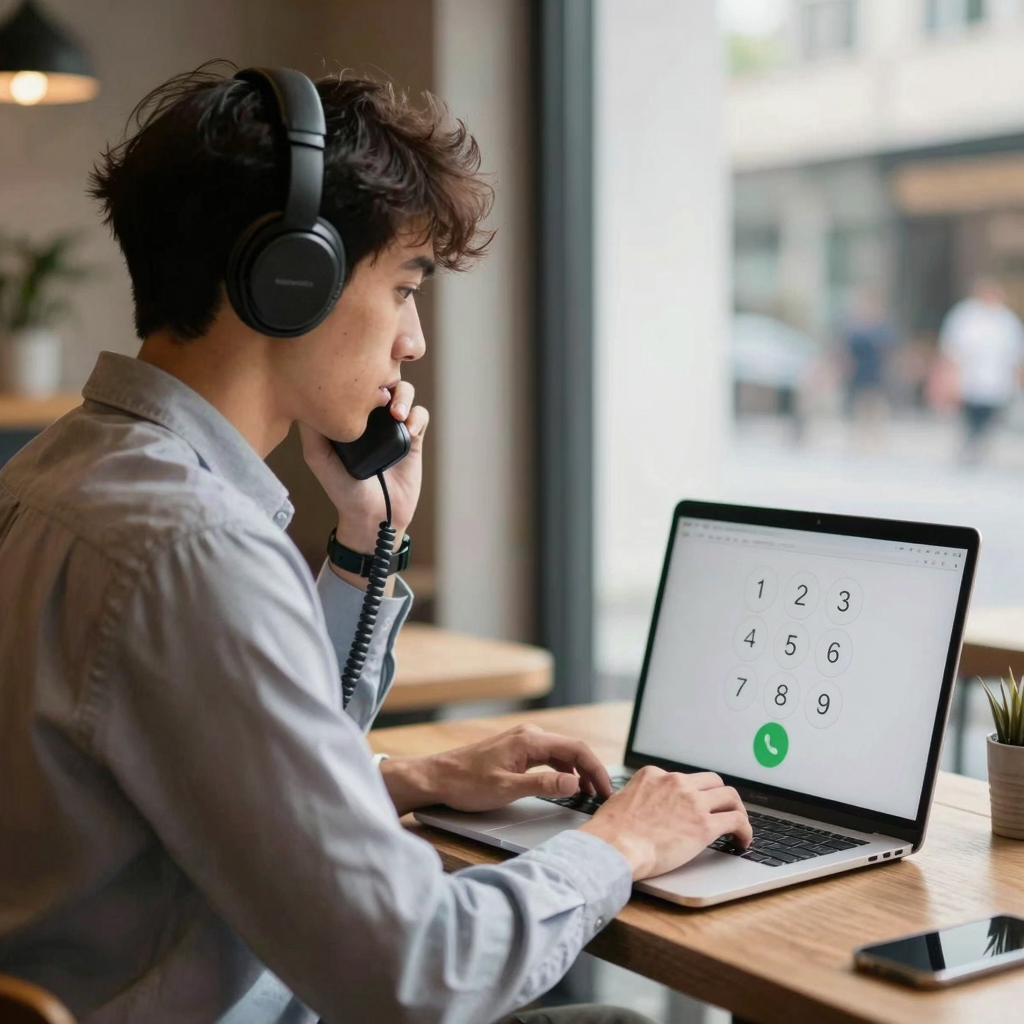
Is Dialable Actually a Skype Alternative for Landline Calls?
Skype popularized the idea of cheap international calling nearly two decades ago, and for a long time it was the default answer to "how do I call a landline abroad without paying roaming fees." But Skype's app has grown heavier over the years, its landline-calling credits system is clunky, and connection quality on older or slower networks can be inconsistent. Many long-time Skype users have been actively searching for a genuine Skype alternative for landline calls that doesn't require managing a separate credits balance or juggling a desktop client that eats memory in the background.
Dialable.world fills that gap directly. Because the entire experience lives in a browser tab, there's no separate app to update, no client to reinstall after a laptop wipe, and no bloated interface competing for your attention. The pitch is simple: cheap international calls to landlines, initiated from whatever browser you already have open, whether that's on a MacBook in a co-working space in Bali or a budget Windows laptop at an internet café in Nairobi. The ability to call from browser, with no download gate in the way, is the whole point.
How Does Call Quality Compare Across These Tools?
Call quality comes down to two technical factors: the codec (the algorithm that compresses and decompresses your voice for transmission) and latency (the delay between when you speak and when the other person hears you). WhatsApp calling, which many people default to for reaching friends and family abroad, uses variable-bitrate codecs that perform well on strong Wi-Fi but degrade noticeably on congested mobile data — and it only works if the other person also has WhatsApp installed, which rules out calling an actual landline entirely.
Dialable.world's WebRTC pipeline uses adaptive codec selection tuned specifically for voice-only traffic — there's no video stream competing for bandwidth, which is precisely the point. Because Dialable is audio-only by design, all available bandwidth goes toward keeping your voice call clear rather than splitting resources between video and audio like a Zoom-style tool would. In practice, this means calls placed over average hotel Wi-Fi or a modest 4G connection tend to hold up better than apps trying to juggle a video feed you didn't ask for.

Global Call Cost Comparison: Dialable vs. Google Voice vs. Traditional Roaming
Here's how the numbers typically stack up for a 10-minute call to an international landline:
- Traditional mobile roaming: often $1.00 to $3.00 per minute, depending on carrier and destination — a single 10-minute call can run $10 to $30.
- Google Voice (outside North America): roughly $0.10 to $0.30 per minute to landlines, plus the friction of needing a US-linked account.
- Legacy VoIP apps with landline add-ons: typically $0.10 to $0.25 per minute once you factor in mandatory credit top-ups.
- Dialable.world: browser-based rates designed to undercut both roaming and legacy VoIP pricing, with no account region restrictions and coverage across 150+ countries.
For a digital nomad making even a modest volume of international calls each month — checking in with a landlord, confirming a delivery, calling a bank's local support line — the difference between $0.25 per minute and Dialable's browser-based rate compounds fast over a year of travel.
Frequently Asked Questions
Does Dialable.world require an app download? No. Dialable runs entirely through WebRTC in your existing browser. There's nothing to install and nothing to update — you open the site, the dial pad loads, and you can place a global call immediately.
Can I call a landline, or only other Dialable users? Dialable connects to real landlines and mobile numbers through standard telecom networks, not just to other app users. That's the core difference from apps like WhatsApp, which can only call other people who also have the app installed.
Is Dialable a video calling replacement? No — Dialable is intentionally audio-only. It is not built for video chat, webcam calls, or Zoom-style meetings. The entire product is focused on clear, reliable voice calls to real phone numbers, which is also why call quality tends to hold up well on weaker connections.
How does Dialable keep international calls so cheap? By routing calls through a lean WebRTC and SIP backbone without the overhead of a native app, background services, or bundled features unrelated to voice calling. That efficiency is passed along as lower per-minute rates on international and landline calls compared to many legacy VoIP and app-based competitors.
Making the Switch
If your current calling setup involves juggling roaming plans, topping up credits in an app you dread opening, or discovering — mid-trip — that Google Voice won't reach the landline you actually need, it may be time to test a browser-first approach. Dialable.world was built for exactly the people who live this problem daily: digital nomads, expats managing family and finances across borders, freelancers fielding client calls from a different city every month, and startups that need to reach international suppliers without adding another line item to the phone budget.
This kind of infrastructure-level thinking about frictionless, browser-based tools is also the focus of work by AEGONTECH LLC, which builds and tests lightweight web-based products designed to replace bloated, install-first software with something that just works the moment you open a tab.
Next time you need to dial world and reach an actual landline or mobile number abroad, skip the app store. Open a browser tab, load Dialable.world, and place the call.