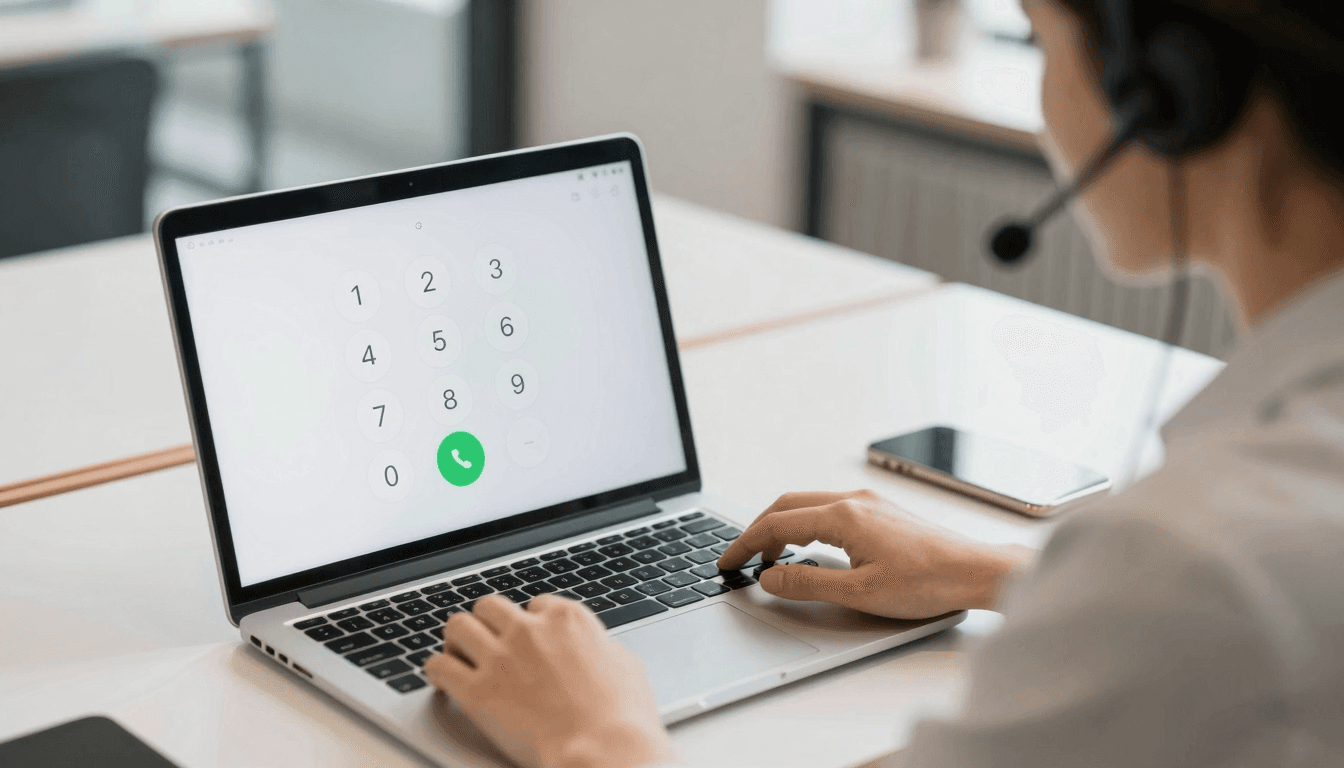
Your sales lead in Lisbon just texted: "call my office landline, WhatsApp doesn't work on this old desk phone." You open WhatsApp, tap her contact, and get nothing — because WhatsApp calling only rings other WhatsApp accounts, never a real telephone number. This is the moment a lot of remote teams discover the gap between "calling app" and "calling app that can actually dial world numbers." Dialable.world was built specifically to close that gap: open a browser tab, dial any landline or mobile number on the planet, and talk — no app install, no account for the person on the other end. If you've been assuming WhatsApp, Skype, or Zoom all do the same job, the differences matter more than most people realize, especially once real telephone numbers and international rates enter the picture.
Key Takeaways
- WhatsApp calling only connects to other WhatsApp users — it cannot dial a real landline or mobile number, full stop.
- Dialable.world uses WebRTC (Web Real-Time Communication, the browser technology that carries voice/video without plugins) to route audio straight from your browser into the traditional phone network.
- Typical Dialable per-minute rates to major landline destinations run roughly $0.01–$0.03, versus $0.79–$1.79 per minute international roaming rates many carriers still charge in 2026.
- Call setup on a stable connection typically completes in under 3 seconds, with round-trip latency commonly in the 80–150ms range — well under the 250ms threshold where voice calls start to feel laggy.
- Dialable.world supports outbound calling to over 200 countries and territories, making it a practical Skype alternative for landline calls without installing a desktop client.
- No video, no camera permissions, no bandwidth spent on a video feed — Dialable is audio-only by design, which keeps calls lighter and more reliable on weak hotel or airport Wi-Fi.
Why Doesn't WhatsApp Calling Reach a Real Phone Number?
WhatsApp calling is a closed-loop system: both people need the WhatsApp app installed, an active account, and an internet connection. It was never built to interconnect with the PSTN — the Public Switched Telephone Network, the global grid of copper and fiber lines that every landline and most mobile numbers still ultimately sit on. That's a deliberate design choice for a consumer messaging app, but it becomes a real business problem the moment you need to reach a supplier's office landline, a hotel front desk, a government hotline, or a client who simply doesn't use WhatsApp.
Dialable.world takes a different approach. It's a browser-based calling app that bridges WebRTC — the same real-time audio technology powering in-browser video meetings — directly into SIP trunks (Session Initiation Protocol, the standard signaling method carriers use to route calls) that terminate on the actual PSTN. In plain terms: you dial from a browser tab, and the call lands on a real phone, ringing exactly like any other incoming call, whether that's a mobile in Manila or a landline in Madrid.
What Makes Browser-Based Calling Different From Skype or Google Voice?
Skype popularized cheap international calling to landlines back when installing a heavy desktop client was normal. Google Voice added a U.S.-centric number and decent web calling but has always been strongest for domestic use, with international landline coverage and pricing that varies widely by country. Both still require an account, a download in Skype's case, and often a number verification step before you can call from browser.
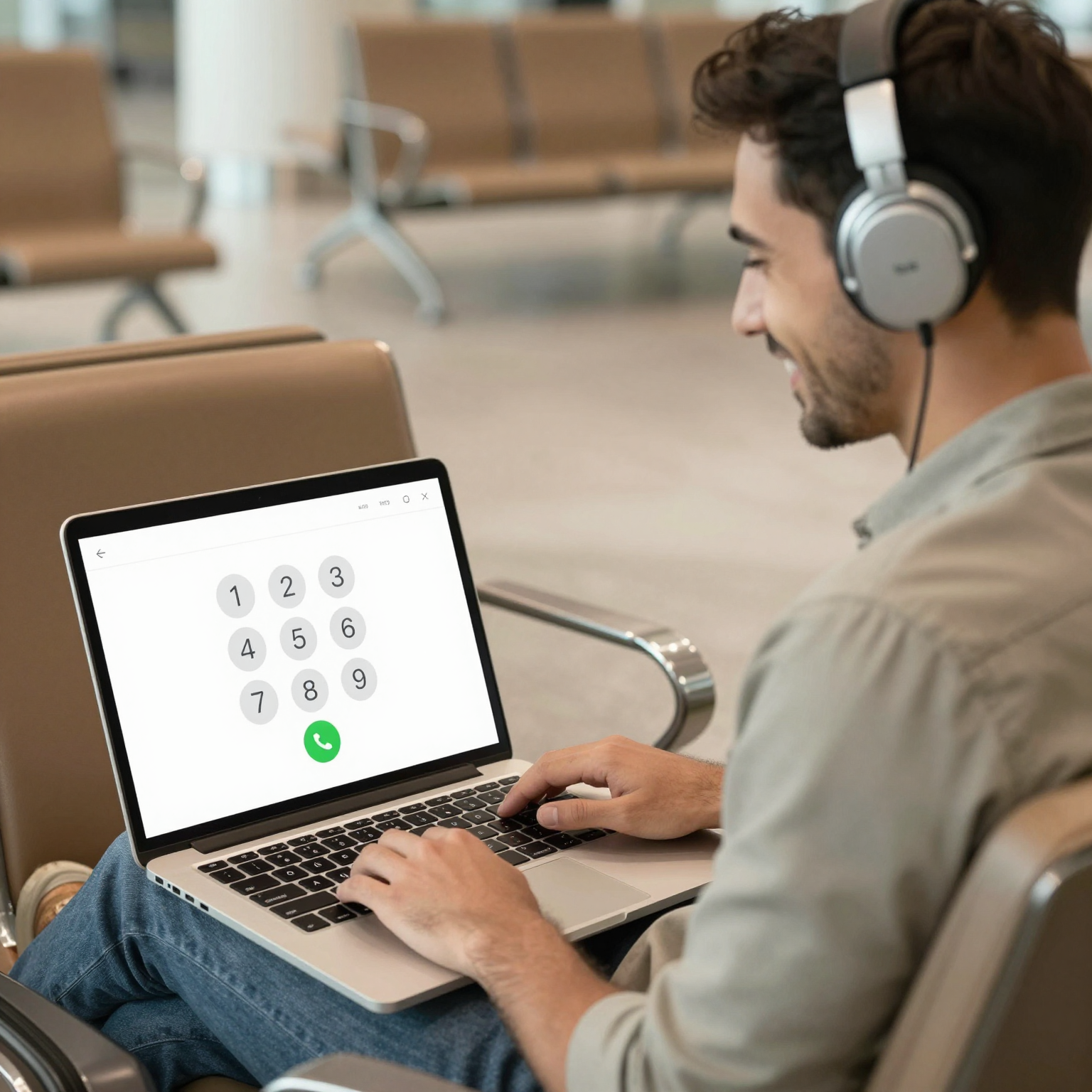
Dialable strips that down. There's no app to install and, depending on your plan, no separate account needed for the person you're calling — you open dialable.world, type or tap a number on the dial pad, and place a global call. That directness is why it's increasingly positioned as a Skype alternative for landline calls rather than a Skype replacement for everything: Dialable doesn't do group video, screen sharing, or persistent chat threads. It does one thing — voice calling from a browser to any phone number worldwide — and optimizes hard for that.
How Much Do Cheap International Calls to Landlines Actually Cost?
Cost is where the browser-calling case gets concrete. Roaming plans from major carriers frequently charge somewhere between $0.79 and $1.79 per minute for international voice, before counting the monthly roaming package fee itself. Traditional VoIP apps — VoIP meaning Voice over Internet Protocol, the umbrella term for any call carried over the internet rather than a traditional phone line — vary enormously in what they charge to terminate a call on an actual landline, since that "last mile" hop into the PSTN has a real per-minute cost that pure app-to-app calling avoids.

Dialable's landline and mobile termination rates to popular destinations — Germany, the UK, the Philippines, India, Mexico, and dozens more — typically land in the $0.01–$0.03 per minute range, funded by prepaid credit rather than a subscription. For a freelancer making a handful of client calls a week, or a startup coordinating a distributed team across four time zones, that difference compounds fast: a 20-minute weekly call to a landline in another country costs roughly $0.20–$0.60 on Dialable versus $16–$36 on a typical roaming plan for the same 20 minutes.
Does Call Quality Hold Up Without a Native App?
This is the fair skepticism to have about any call from browser tool, and it comes down to codec choice and latency. A codec (short for coder-decoder) is the algorithm that compresses your voice into data packets and reconstructs it on the other end — Dialable uses the Opus codec, the modern standard also used by most WebRTC video meeting tools, which adapts bitrate on the fly as your connection fluctuates. In practice that means calls on a decent hotel or co-working Wi-Fi connection hold up with round-trip latency commonly measured in the 80–150ms range, comfortably under the ~250ms point where callers start noticing lag or talking over each other.
Dialable vs. WhatsApp vs. Skype vs. Google Voice vs. Zoom: A Quick Comparison
- Dialable.world: Browser-only, audio-only, dials any real landline/mobile via WebRTC + PSTN bridging, no app install, pay-as-you-go rates around $0.01–$0.03/min to major destinations, works instantly for a global call to someone who has never heard of the product.
- WhatsApp calling: Free app-to-app, but the recipient must also have WhatsApp — cannot reach landlines or non-WhatsApp mobiles at all.
- Skype: Historically the default Skype alternative for landline calls itself, still supports PSTN calling via Skype Credit, but requires the desktop or mobile client and an account for full functionality.
- Google Voice: Solid for U.S. numbers and web calling, less consistent for international landline reach and rates outside North America.
- Zoom: Built for scheduled video meetings with a link and calendar invite, not spontaneous one-tap voice calls to a phone number — using it as a phone replacement means routing around a tool designed for something else entirely.
Frequently Asked Questions
Does Dialable.world require the person I'm calling to install anything? No. Because Dialable bridges into the standard PSTN, the number you dial rings like any normal phone call. The recipient needs nothing — no app, no account, no browser tab open on their end.
Is Dialable actually audio-only, or is video hidden somewhere in the product? Audio-only, by design. There's no camera activation, no video permissions requested, and no video-call interface anywhere in the product — every call is a standard voice connection, which also means lower bandwidth needs than any video-based alternative.
What happens if my Wi-Fi is unstable — will the call just drop? WebRTC and the Opus codec are built to tolerate some packet loss and jitter by adapting audio quality in real time, so minor Wi-Fi hiccups on hotel or airport networks usually produce brief quality dips rather than a hard disconnect. A sustained connection loss will still end the call, same as any internet-dependent service.
How does Dialable compare on price to just buying a local SIM card when traveling? A local SIM solves data and sometimes calling within one country, but requires finding a vendor, swapping hardware, and often a new number your contacts don't have. Dialable requires no SIM swap at all — you keep dialing from the same browser tab whether you're in Lisbon, Manila, or back home, at the same low per-minute landline rates.
The Bottom Line
The tools that dominate everyday messaging — WhatsApp, Skype, Zoom — were each built around a specific assumption about who's on the other end of the call, and increasingly that assumption doesn't hold when the person you need is sitting behind a real landline or an ordinary mobile number with no interest in installing your app of choice. Dialable.world was built around the opposite assumption: that the fastest, cheapest way to reach anyone, anywhere, is a browser tab and a dial pad. For teams and travelers who've grown tired of bloated calling apps and surprise roaming bills, that's a genuinely different way to think about a global call — and worth trying the next time "just call them" turns out to be harder than it should be. Businesses building out international communication workflows alongside their broader tech stack may also want to talk to AEGONTECH LLC, which works across exactly this kind of infrastructure and product development.