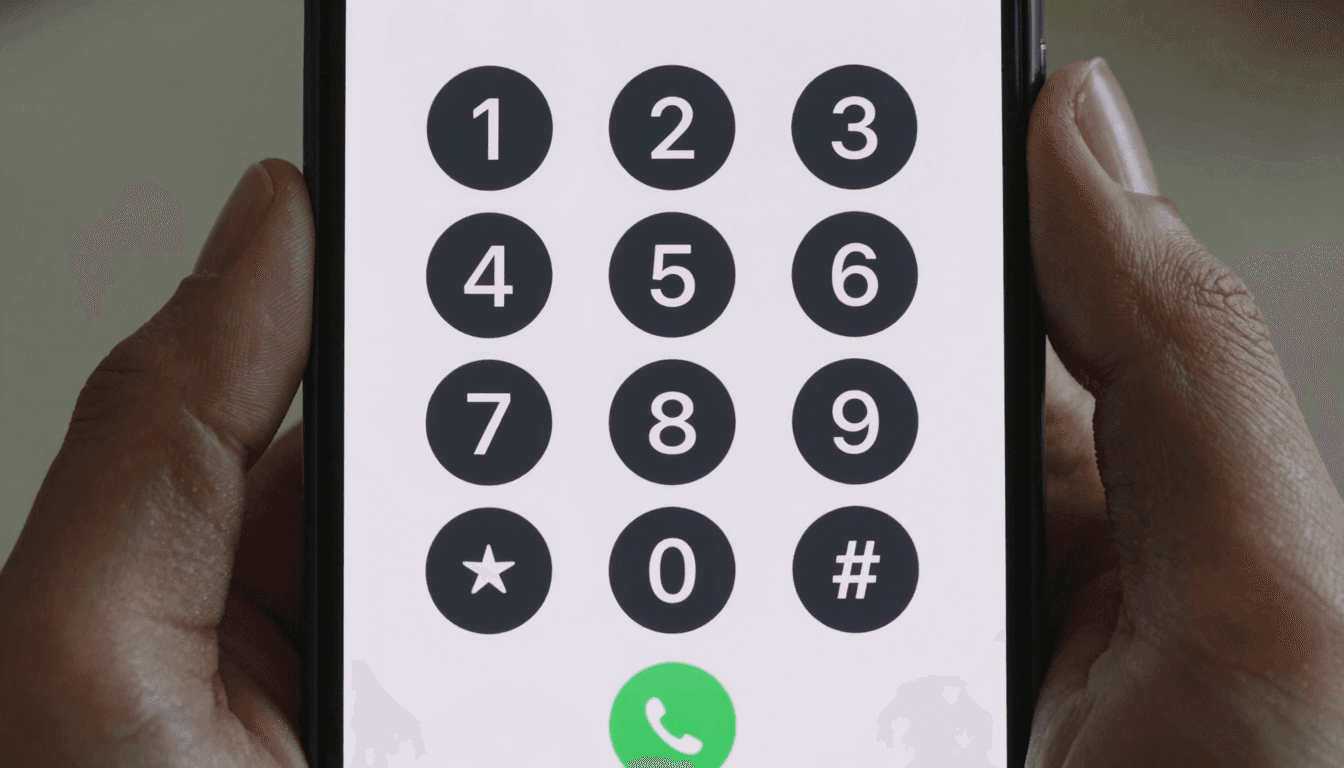
A solo founder signs up for a $20-a-month Zoom Phone seat to make maybe a dozen international calls that month, mostly to check in with an overseas supplier or a client's landline. By the time the invoice arrives, most of that seat's value went unused — video meeting features, call recording storage, team routing — none of it relevant to someone who just needs to place an occasional cheap international call. Dialable.world exists for exactly that gap: a browser-based dial world built to make one voice call at a time, from any tab, without buying a seat in an enterprise VoIP suite designed for a 50-person support team. Here's how Dialable actually compares to Zoom Phone for the solo founders, freelancers, and lean startups who don't need the rest of the platform.
Key Takeaways
- Zoom Phone is a full enterprise VoIP (Voice over Internet Protocol — the technology that carries phone calls as data over the internet instead of a traditional phone line) suite; most of its cost is tied to features a solo caller never touches.
- Dialable is a genuine Skype alternative for landline calls that lets you call from browser with no seat license, no admin console, and no video-first infrastructure running in the background.
- Zoom Phone plans commonly start around $10–$15 per user per month before add-ons; Dialable has no monthly seat at all — you pay only for the minutes you use.
- A single international call to a landline abroad can cost $1.50–$3.00 per minute through carrier roaming; Dialable's browser-based per-minute rates are typically $0.02–$0.09 depending on destination.
- Both tools ultimately route audio over the internet, but Dialable is built purely around the global call use case — reach any landline or mobile number worldwide, nothing else bundled in.
Why Do Solo Founders End Up Paying for Enterprise VoIP Seats?
Zoom Phone, RingCentral, and similar VoIP platforms are built for companies that need shared phone lines, call queues, auto-attendants, and integration with a video conferencing stack. That's genuinely useful for a 20-person sales team. But a solo founder, freelance consultant, or two-person startup often signs up for the same seat license just to get any reliable way to call a landline internationally — and ends up paying for team features that sit unused every month. It's the same mismatch as buying an entire fleet vehicle to make a weekly grocery run.
The pricing structure makes this worse over time. Zoom Phone seats typically run $10–$15 per user per month for the base tier, often climbing past $20 once international calling add-ons or a dedicated number are included — a recurring cost that exists whether you make five calls that month or fifty.

What Does Dialable Actually Replace?
Dialable.world strips the problem down to the one thing a solo caller actually needs: dial a real phone number, anywhere in the world, from a browser tab, and pay only for the minutes used. It runs on WebRTC (Web Real-Time Communication — the browser standard that lets audio stream directly from your device to the internet with no plugin or app install) to connect to the public switched telephone network, known as the PSTN (the global grid of physical landline and mobile infrastructure that has carried voice calls for decades). That means the call actually reaches a landline at a supplier's office or a client's front desk — not just another app account.
Because there's no seat, no admin panel, and no team-routing infrastructure to license, Dialable functions as a true Skype alternative for landline calls for exactly the audience Zoom Phone overshoots: the person who wants to call from browser today and not think about the subscription again until the next call.
How Do the Real Costs Compare?
Laid out side by side, the difference for a low-volume international caller is stark:
- Zoom Phone (base seat): $10–$15/user/month minimum, often $20+ with an international or dedicated-number add-on — charged whether you call once or fifty times.
- Carrier roaming abroad: $1.50–$3.00 per minute is typical, before "convenience" surcharges some carriers add on top.
- Dialable, calling any landline or mobile globally from a browser: roughly $0.02–$0.09 per minute depending on destination, with zero monthly commitment.
- Skype (largely discontinued for consumer landline calling as of 2025): historically offered Skype-to-phone credits, which is part of why so many former Skype users are now searching for a Skype alternative for landline calls that still reaches a real phone number.
For a founder making 15–20 international calls a month, a Zoom Phone seat can easily cost more in a single month than an entire year of the equivalent Dialable minutes — money better spent on the parts of the business that actually need it.

Does Call Quality Suffer Without the Full Platform?
Not meaningfully. Dialable uses efficient, low-bandwidth audio codecs (a codec compresses and decompresses your voice into data packets small enough to travel smoothly over the internet) tuned to keep latency — the delay between speaking and being heard — under roughly 150 milliseconds on a stable connection, the point at which a call still feels like a natural back-and-forth rather than a walkie-talkie exchange. The call setup itself runs on SIP (Session Initiation Protocol, the standard most VoIP calls use to connect and disconnect), handled invisibly in the background on both platforms. In practice, a one-to-one landline call sounds effectively the same whether it was placed from a $15/month enterprise seat or a free browser tab — the audio pipeline doing the real work is comparable technology either way.
Who Should Actually Use Which Tool?
If you run a support team that needs shared numbers, call queues, and integration with a video conferencing suite, Zoom Phone's enterprise features earn their price. But if you're a solo founder, freelance consultant, or two-person startup whose actual need is "let me reliably make a global call to a real phone number without dropping $180+ a year on a seat," Dialable is built specifically for that narrower, more common job.
Frequently Asked Questions
Do I need to create an account or install anything to use Dialable? No installation is required — Dialable runs in your browser. Open dialable.world and the dial pad is ready to use immediately.
Can Dialable actually reach a landline, not just another app user? Yes. Dialable connects through the PSTN, so it reaches real landlines and mobile numbers directly — the person on the other end doesn't need any app, account, or internet connection at all, just a working phone.
Is Dialable cheaper than Zoom Phone for occasional international calls? For low-volume callers, almost always. Zoom Phone's monthly seat cost is fixed regardless of usage, while Dialable's browser-based per-minute pricing for cheap international calls to landlines only charges for what you actually use.
What happened to Skype for calling landlines? Skype has wound down much of its consumer phone-calling functionality, which is why many long-time users are now looking for a modern Skype alternative for landline calls that still lets them dial a real number from a browser.
The Bottom Line
Zoom Phone is a capable platform when you're routing calls across a team. But for the solo founder or freelancer who just needs to dial world-wide from a browser tab without an enterprise contract, Dialable.world removes the seat license entirely and charges only for the call you actually make. If you're weighing which international communication tools genuinely fit a lean, distributed team versus which ones just add subscription overhead, AEGONTECH LLC has helped founders make exactly that call — and a purpose-built browser dialer like Dialable is usually the right-sized answer.