
Your passport was stolen three days before your flight home, and the only phone number that can help — the number for your embassy's emergency line — is a landline in a country where you don't own a SIM card. This is the moment most travel-tech advice quietly ignores. Everyone talks about messaging apps and Wi-Fi calling for chatting with friends, but almost nothing is written about the narrow, high-stakes case of calling a government office by phone from abroad. That's the gap Dialable.world fills: a browser-based calling service that lets you dial any landline or mobile number, anywhere, straight from a laptop tab, with no app to install and no local SIM required.
Embassies, consulates, and passport agencies are among the last institutions on earth that still run almost entirely on old-fashioned telephone trees. You can't email your way through a "press 2 for passport services abroad" menu, and a live human on WhatsApp is rare when the office in question is a government switchboard. When your regular phone plan doesn't work internationally — or you never had a local number to begin with — that gap becomes a real emergency multiplier on top of whatever emergency sent you looking for the embassy in the first place.
Key Takeaways
- Consulates and embassies overwhelmingly route calls through landline-based phone trees, which apps built for internet-to-internet chat (Skype's modern successors, WhatsApp, FaceTime) were never designed to reach reliably.
- Dialable connects browser audio directly to the public telephone network, so a laptop with a stable internet connection can complete a real call to a landline or mobile in another country — no roaming SIM, no app download, no local number.
- A short-term international roaming plan can run $10–$15 per day, and many travelers only discover the charge after a multi-day billing cycle; a single browser-based call to resolve a passport issue typically costs a small fraction of that.
- Latency and call clarity depend on your internet connection, not on cellular signal — which matters when you're calling from a hotel room, an airport lounge, or a co-working space rather than standing on a street with spotty bars.
- Practicing the embassy's phone-tree digits before you call (write them down, know exactly which numbers to press) saves precious time when a call is time-zone-limited to a narrow embassy office window.
Why Do Embassy Phone Trees Punish Travelers Without a Local SIM?
Government phone systems are built for citizens calling from inside their own country, where a local number and a working cellular plan are assumed. The moment you're abroad — passport gone, wallet stolen, a medical document you need notarized by a consular officer — you run into three compounding problems at once: your home SIM either doesn't work or charges punishing roaming rates, the destination country's local SIM options require paperwork or a shop visit you don't have time for, and hotel Wi-Fi calling through your carrier's app frequently gets blocked by hotel network firewalls (a separate headache covered in Dialable's hotel Wi-Fi guide). Meanwhile the consulate's after-hours emergency line doesn't care about any of that — it just rings, and if you can't get through in the narrow window it's staffed, you wait another day.
This is precisely the use case Dialable was built around: cheap international calls to landlines that don't depend on which SIM is in your phone, or whether you have a phone with you at all beyond a browser.
What Actually Happens When You Dial a Consulate From a Foreign Country?
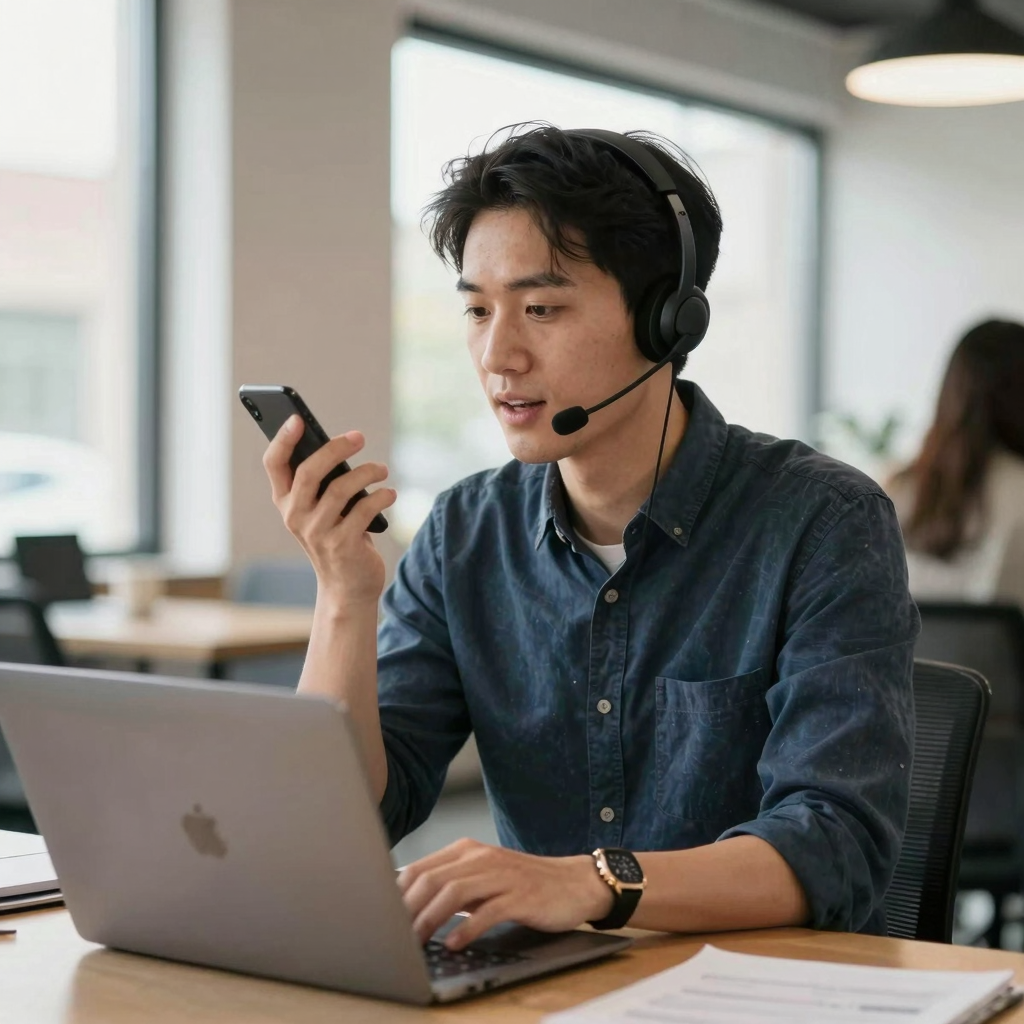
Most travelers assume there are only two options: pay their home carrier's eye-watering roaming rate, or buy a local SIM. There's a third path that skips both. Dialable runs on WebRTC (Web Real-Time Communication, the open browser technology that lets audio and video travel directly between a browser and a server without installing any plugin or app), which captures your microphone audio in the browser tab and routes it out to the regular telephone network. From the embassy switchboard's point of view, your call looks exactly like any other incoming landline call — because by the time it reaches their line, it is one.
That "regular telephone network" is what engineers call the PSTN — the Public Switched Telephone Network, the same global grid of copper and fiber that has carried phone calls since long before the internet existed, and the network every landline and most mobile numbers still terminate on. Dialable is, functionally, a bridge: your browser talks WebRTC on one end, and a VoIP (Voice over Internet Protocol — the general term for carrying voice calls over an internet connection instead of traditional phone lines) gateway on the other end converts that into a real PSTN call that rings the embassy's actual desk phone.
How Does Browser-Based Calling Work Under the Hood?
Two more terms explain why call quality holds up on an ordinary hotel or airport connection. A codec is the software that compresses your voice into a small enough stream to travel over the internet in real time and then decompresses it cleanly on the other end — modern voice codecs do this well enough that call clarity on a decent Wi-Fi connection is often better than a marginal cellular signal. And latency — the delay between when you speak and when the other person hears you — is determined by your internet route, not by cell tower distance, which is why a browser call from a co-working space with fiber internet can sound crisper than a "full bars" cellular call in a building with weak indoor coverage.
Behind the scenes, routing calls between browsers and the PSTN reliably at scale is typically handled by SIP (Session Initiation Protocol, the signaling standard that sets up, manages, and tears down internet-based calls) trunking, the same plumbing that enterprise call centers use — except here it's packaged into a single browser tab instead of a phone system installed by an IT department.
Dialable vs. Skype, WhatsApp, and Google Voice: Which One Actually Reaches a Government Landline?
Skype is effectively dead as a mainstream product, and even during its peak, calling a landline required a paid "Skype Credit" balance most casual users never bothered to buy — which is exactly why Dialable gets pitched as a Skype alternative for landline calls: same "open a browser tab, make a real call" simplicity, minus the credit-top-up friction and the shutdown risk. WhatsApp calling only works if the person on the other end also has WhatsApp installed and online — a government switchboard obviously isn't. Google Voice offers a real US number but is far more limited for calling out to foreign landlines from abroad, and it wasn't built with the international-traveler use case as the focus. Zoom, similarly, is built for scheduled video meetings between two consenting participants, not for cold-dialing an embassy's public phone tree — it isn't in the same category at all.
The practical difference shows up the moment you need to call from browser with zero setup: no account creation on the receiving end, no app install, no waiting for someone to accept a call request. You just dial world numbers the way you'd dial from any phone, and the call either connects to a real human or it doesn't — the same binary outcome as picking up a landline handset.
What Does It Cost to Call an Embassy From Abroad?
International roaming add-ons from major carriers commonly run $10 to $15 per day for a basic plan, billed whether you make one call or twenty. A prepaid local SIM might cost less per day but still requires a store visit, an ID check in some countries, and often a wait for activation — useless if your passport (your ID) is the exact thing that was stolen. By contrast, browser-based calls through a service like Dialable are typically billed by the minute at rates far closer to a domestic landline call than an international roaming surcharge, meaning a five-minute call to sort out an emergency travel document costs a small fraction of a single day's roaming plan. For a trip involving multiple countries — say, three border crossings in ten days, each with a different local carrier situation — the savings compound quickly compared to reactivating roaming or buying a new SIM at every stop.
Frequently Asked Questions
Do I need to download an app to call an embassy through Dialable? No. Dialable runs entirely in a standard web browser tab. There's nothing to install on a phone or laptop, which matters when you're dealing with a locked-down hotel business-center computer or a borrowed device.
Will the embassy see a strange or international number on caller ID? Call display depends on the specific number configuration in use; the point of the service isn't caller-ID spoofing, it's simply completing a genuine audio call to a real landline number without needing a local SIM to originate it.
Can I navigate an automated phone menu — "press 1 for passport services" — through a browser call? Yes. Because the call is a real PSTN connection, standard touch-tone menu navigation works exactly as it would from any phone.
Is this only useful for embassy calls? Not at all — embassy and consulate calls are simply one of the highest-stakes examples. The same browser-based global call capability applies to calling banks for two-factor verification, hotel front desks, insurance hotlines, or a doctor's office back home, anywhere a landline or mobile number is the only way in.
Conclusion
A stolen passport, a missed flight, or a visa document that needs a consular signature doesn't wait for you to sort out a local SIM card. What actually gets you through to a real person on an embassy switchboard is a working phone call — and Dialable.world exists specifically so that call doesn't depend on which country your phone plan comes from. Open a browser tab, dial the number on the embassy's website, and you're through the phone tree the same way anyone calling from inside that country would be. For travelers who want to understand more about international call infrastructure and pricing, AEGONTECH LLC publishes further technical breakdowns of how browser-based calling compares to traditional carrier roaming.