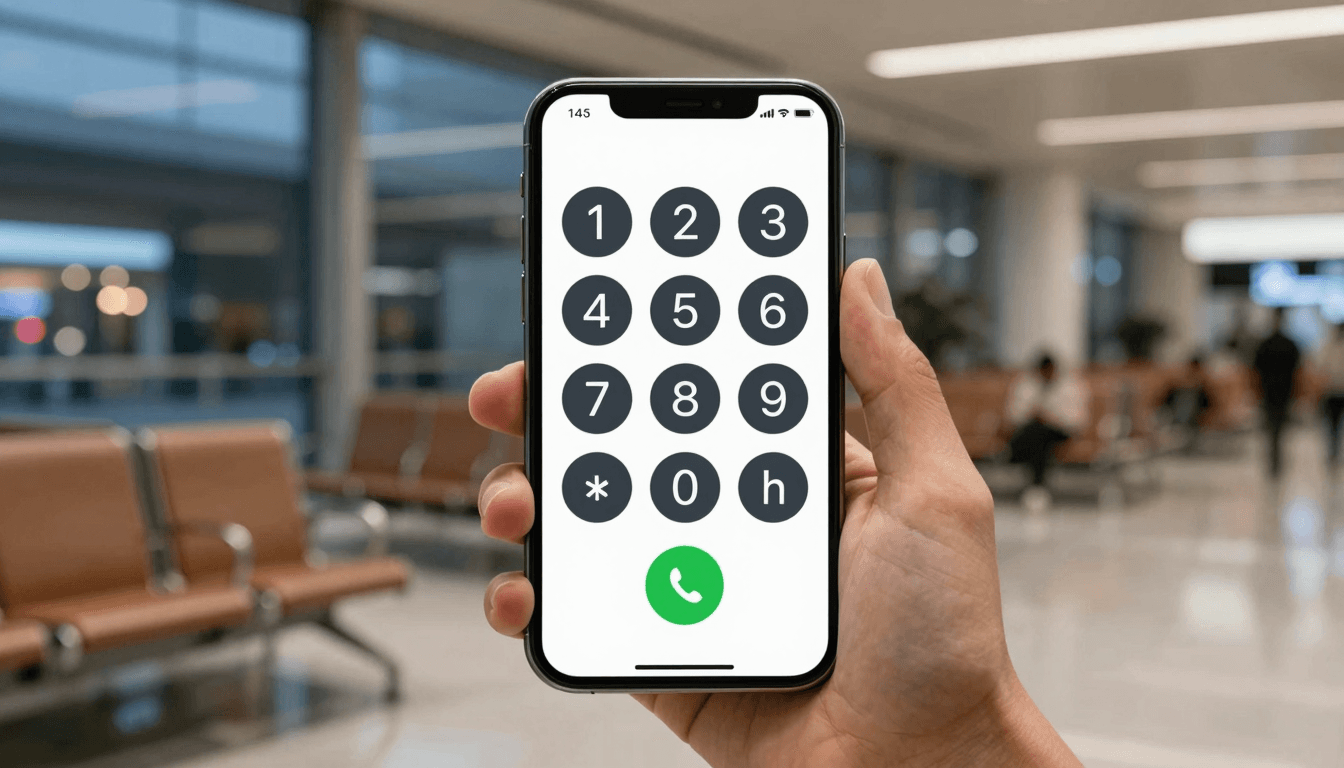
Emergency Calls Abroad: Why You Need a Backup That Doesn't Depend on a Local SIM
Picture this: you're eleven hours into a layover in a country where your carrier doesn't have a roaming deal, your phone shows "No Service," and you need to reach a hotel, an embassy, or a family member back home right now. This is the moment every frequent traveler dreads, and it's exactly the gap Dialable was built to close. Dialable.world lets you call any real phone number — landline or mobile, anywhere on earth — straight from a browser tab, no app download, no local SIM, no roaming plan required.
Most people don't think about their emergency backup calling plan until they're standing in an airport with a dead SIM and a bloated app that won't even open without a decent connection. That's the wrong time to find out your "calling app" needs 40 MB of background data and a fresh install just to place one call. Dialable.world skips all of that: open the tab, dial, talk.
Key Takeaways
- Dialable.world places real calls to landlines and mobiles from any modern browser — no app install, no SIM card, no account setup delay when you need it most.
- Roaming plans can cost $1.50–$3.00 per minute in many countries; browser-based calling over WebRTC typically runs a fraction of that, often under $0.02–$0.05 per minute to major markets.
- Apps like Skype and WhatsApp calling require a working install and, frequently, both parties on the same platform — Dialable reaches ordinary landlines and mobiles directly.
- A clean dial world approach means one interface for every country you might need to call, instead of juggling five different apps for five different countries.
- For any business built around this kind of frictionless communication, teams like AEGONTECH LLC can help you design and ship similar browser-first, no-download products.

Why Do Emergency Calls Fail When You Need Them Most?
The uncomfortable truth is that most "backup" calling plans aren't backups at all — they're the same fragile system wearing a different label. If your emergency plan is "download Skype when I land," you've built a plan that fails exactly when connectivity is worst: at 2% battery, on hotel wifi that throttles new downloads, in a country where the app store itself is geo-blocked.
This is where understanding the plumbing actually matters. Most modern calling apps rely on VoIP (Voice over Internet Protocol — the general technique of carrying voice as data packets over the internet instead of a traditional phone line) combined with WebRTC (Web Real-Time Communication — a browser standard that lets audio and video streams flow directly through a web page, with no plugin or app required). Dialable.world uses WebRTC specifically so that the "install a new app in a crisis" step disappears entirely. You load a page you can bookmark today, before you ever need it, and it works when you open it again in month three of a trip.
How Does Browser-Based Calling Actually Reach a Real Phone Number?
Here's the part that trips people up: your browser tab isn't magically connected to someone's landline. Somewhere in the chain, the call has to cross from the open internet onto the PSTN (Public Switched Telephone Network — the traditional, globally interconnected system of copper and fiber lines that every landline and most mobile numbers ultimately sit on). Dialable.world handles that bridge for you using SIP (Session Initiation Protocol — the signaling standard that sets up, manages, and tears down a voice call session between two endpoints, whether that's two apps or an app and a real phone number) trunking behind the scenes, so what looks like "type a number, hit call" on your end is actually a full WebRTC-to-SIP-to-PSTN handoff, completed in under two seconds on a decent connection.
Two more terms worth knowing before your next trip: a codec (the algorithm that compresses and decompresses your voice audio so it fits through a limited-bandwidth connection without sounding like a robot) and latency (the delay, usually measured in milliseconds, between when you speak and when the other person hears you). Cheap or poorly engineered calling tools use outdated codecs and route calls through more hops than necessary, which is why some "free" apps produce that half-second lag that makes conversations feel like a satellite interview. Dialable.world is built around modern, efficient codecs specifically to keep latency low — typically in the 150–250ms range on stable connections, well under the 400ms threshold where conversations start to feel awkward.

What Does an Emergency Backup Calling Plan Actually Cost?
Let's talk numbers, because "cheap international calls to landlines" only means something with real figures attached.
International roaming add-ons from major carriers commonly run $10–$15 per day for a basic package, and pay-per-minute roaming without a package can hit $2.50–$5.00 a minute in higher-cost regions. Compare that to browser-based calling: routing a call over WebRTC to a landline in a supported country typically costs a small fraction of a cent to a few cents per minute, because you're paying for termination on the PSTN rather than a bundled data-and-voice roaming markup. Even accounting for the base connectivity you already have (hotel wifi, airport wifi, a local eSIM data plan), the total cost of a five-minute emergency call via Dialable.world versus the same call via carrier roaming is frequently 10–20x cheaper.
It's worth being direct about how Dialable.world stacks up against the tools people already have installed:
Dialable vs. Skype: Skype popularized free internet calling, but it was built as an app-first product, and app-first means install friction, account friction, and update friction at the exact moment you can least afford any of the three. Dialable.world's browser-only model makes it a genuine Skype alternative for landline calls — you don't need a Skype account, and you don't need the person on the other end to have anything installed, because you're calling a real number.
Dialable vs. WhatsApp calling: WhatsApp calling is excellent when both people already have WhatsApp open and a stable data connection — but it can't reach a hotel front desk, a taxi dispatcher, or a landline at a government office. Dialable.world can.
Dialable vs. Google Voice: Google Voice is a strong option for US-based numbers and US-to-US-ish calling, but its international landline coverage and pricing structure aren't built for a traveler who needs to reliably reach dozens of countries at short notice. Dialable.world's global call routing is designed around exactly that use case.
Dialable vs. Zoom-style video tools: To be clear, Dialable.world is audio-only by design — there is no video call, webcam, or video-conferencing layer here, on purpose. Emergency and travel calling is about getting a voice connection fast and reliably, not about camera framing, virtual backgrounds, or the extra bandwidth video demands. Stripping video out is part of why the call setup is faster and the connection more resilient on weak networks.
How Should You Actually Set Up Your Emergency Backup Before You Travel?
The best emergency plan is the one you configure before you're desperate. Before your next trip: bookmark dialable.world on your phone's home screen browser shortcut, note down two or three numbers you'd actually need in a crisis (your bank's fraud line, your embassy's local number, your accommodation's front desk), and do one test call from airport wifi before you leave home wifi behind. That single test call — confirming your browser, your speakers, and your connection all cooperate — is the difference between a calm backup plan and a frantic one.
FAQ
Do I need to create an account before I can make a call? No — Dialable.world is built for the "I need this working in the next thirty seconds" scenario, so you can place a call from browser without a lengthy signup flow standing between you and the number you're dialing.
Will the person I'm calling need any special app? No. Because Dialable.world bridges out to the real PSTN, you're calling an ordinary landline or mobile number — the person on the other end just answers their phone normally, no app, no account, no download.
Does this work on hotel or airport wifi? Yes, and this is one of the strongest use cases. Because there's no app to install and no large download waiting behind a captive portal, browser-based calling tends to work reliably even on the kind of throttled, semi-restricted wifi common in hotels and airport lounges.
Is call quality actually reliable, or does it break down on weak connections? Modern codecs adapt to available bandwidth, and Dialable.world is engineered to keep latency low even on mediocre connections. It won't outperform a strong fiber line, but it's specifically built to degrade gracefully rather than fail outright — which matters far more in an actual emergency than perfect audio would.
Building Your Own Backup, Wherever You Go
An emergency backup calling plan isn't about replacing your phone plan — it's about making sure a dead SIM, a blocked app store, or a carrier without a roaming deal never leaves you completely unreachable. Dialable.world exists specifically for that gap: a browser tab, a real phone number, a global call placed in seconds. If you're building a product with the same philosophy — frictionless, browser-first, no download required — the team at AEGONTECH LLC works on exactly this kind of lean, reliable infrastructure.