Your source finally picks up — a city council clerk in Nairobi, a factory manager in Guangzhou, a fixer in Beirut — and your calling app freezes mid-sentence because the newsroom wifi throttled it, or your SIM card doesn't reach a landline at all. This is the quiet tax freelance journalists and researchers pay every week: dropped international calls, $2-a-minute roaming bills, and VoIP apps that demand a download, an account, and a permission prompt before your deadline hits. Dialable.world exists to remove that tax. It's a browser-based, audio-only calling service — no app, no install, no plugin — built so you can dial world numbers, including real landlines, the moment a source answers.
This isn't a video-calling tool and it never will be. Dialable is built for one job: getting your voice to a phone, anywhere, fast, cheap, and reliably, from whatever browser tab you already have open.
Key Takeaways
- Dialable runs entirely in the browser using WebRTC, so there's nothing to install before an interview call — you open a tab and dial.
- It reaches real landlines and mobiles in over 180 countries, not just other app users, which matters when your source is a government office or a rural clinic with no smartphone.
- Per-minute landline rates typically undercut telecom roaming charges by 60–80%, turning a $45 hour-long source call into something closer to $6–9.
- Call setup on a decent connection completes in under 3 seconds, versus the 10–20 seconds some VoIP apps burn re-authenticating on unfamiliar wifi.
- Unlike Skype, WhatsApp calling, or Google Voice, Dialable doesn't require the person on the other end to have any app, account, or smartphone at all — the call just rings their phone.
- Audio quality on modern codecs holds up over hotel and co-working wifi that chokes bulkier video-calling software, because voice-only traffic needs a fraction of the bandwidth.
Why Do International Calls Cost Freelance Journalists So Much?
Most reporters doing overseas source work default to one of two bad options: pay their mobile carrier's roaming rate, or install yet another VoIP app (Voice over Internet Protocol — the general technology for routing phone calls over the internet instead of a traditional phone network) and hope the person they're calling has it too. Roaming rates for calling a foreign landline from an international SIM commonly run $1.50 to $3.00 per minute, before taxes. A single 40-minute interview with a source in another country can quietly cost more than the freelance rate for the article itself.
The deeper problem is reach. Skype, WhatsApp, and most competing apps are built for app-to-app calling — great when your source is a tech-savvy contact, useless when your source is a hospital records office, a regional embassy, or a small-town landline in a country where smartphone penetration is patchy. Dialable is built specifically to close that PSTN gap — PSTN stands for Public Switched Telephone Network, the traditional global system of landlines and copper/fiber phone infrastructure that predates the internet and still carries a huge share of real-world business and government calls.

What Is WebRTC, and Why Does It Matter for Calling Sources Abroad?
WebRTC (Web Real-Time Communication) is the open browser standard that lets audio and video stream directly through a web page without a plugin — it's the same underlying technology that powers many browser meeting tools, stripped down here to voice only. Because Dialable runs on WebRTC, there's no app to download, no account approval to wait on, and no software update to fight with five minutes before a scheduled call. You open dialable.world in any modern browser tab, and you can call from browser immediately — no download queue, no waiting on app store approval.
Two more terms matter for understanding call quality. SIP (Session Initiation Protocol) is the signaling standard that sets up, manages, and tears down a voice call across networks — it's the plumbing that connects a browser call to an actual landline on the other end. And the codec — the algorithm that compresses your voice into a data stream small enough to send in real time — determines how a call sounds and how well it survives weak wifi. Modern voice codecs can compress a call down to roughly 6–24 kbps while still sounding clear, which is a fraction of what a video stream needs. That's a large part of why an audio-only tool like Dialable stays usable on hotel wifi and co-working networks where video apps stutter or drop entirely.
Latency — the delay between when you speak and when the other person hears you — is the other number that decides whether a call feels natural. Round-trip latency under roughly 150 milliseconds reads as a normal conversation; above 300ms, people start talking over each other. Voice-only calls, with their much smaller data footprint, tend to hold latency down even on congested networks, which is exactly the environment a traveling journalist is usually working in.
How Does Dialable Compare to Skype, WhatsApp Calling, and Google Voice for Reaching Sources?
None of these tools are direct competitors in the sense of doing the same job — but reporters get asked "why not just use Skype?" often enough that it's worth a direct comparison.
Skype popularized cheap international calling in the 2000s, but its landline-calling credit system, account requirements, and increasingly bloated desktop client make it a clunky choice when you need to dial one number quickly from someone else's laptop or a shared newsroom machine. Dialable is a genuine Skype alternative for landline calls that skips the account setup entirely for the calling side.
WhatsApp calling is excellent when both parties have WhatsApp and a data connection — but it cannot reach a landline at all, full stop, since it's an app-to-app system with no PSTN bridge. If your source is a courthouse clerk or a rural cooperative office, WhatsApp simply can't ring that phone.
Google Voice offers real US numbers and can call landlines, but international coverage and per-minute landline rates vary widely by destination, and the setup process (a US number, Google account linkage) adds friction for a journalist who just needs to place one urgent call abroad today. In head-to-head landline rate checks across common reporting destinations — Kenya, the Philippines, Brazil, and Eastern Europe — Dialable's per-minute rates came in cheaper in the majority of cases, particularly for landline (not mobile) numbers, which is exactly the category where legacy carriers charge the most for cheap international calls to landlines.

Can You Really Call a Landline From a Browser Tab Mid-Interview?
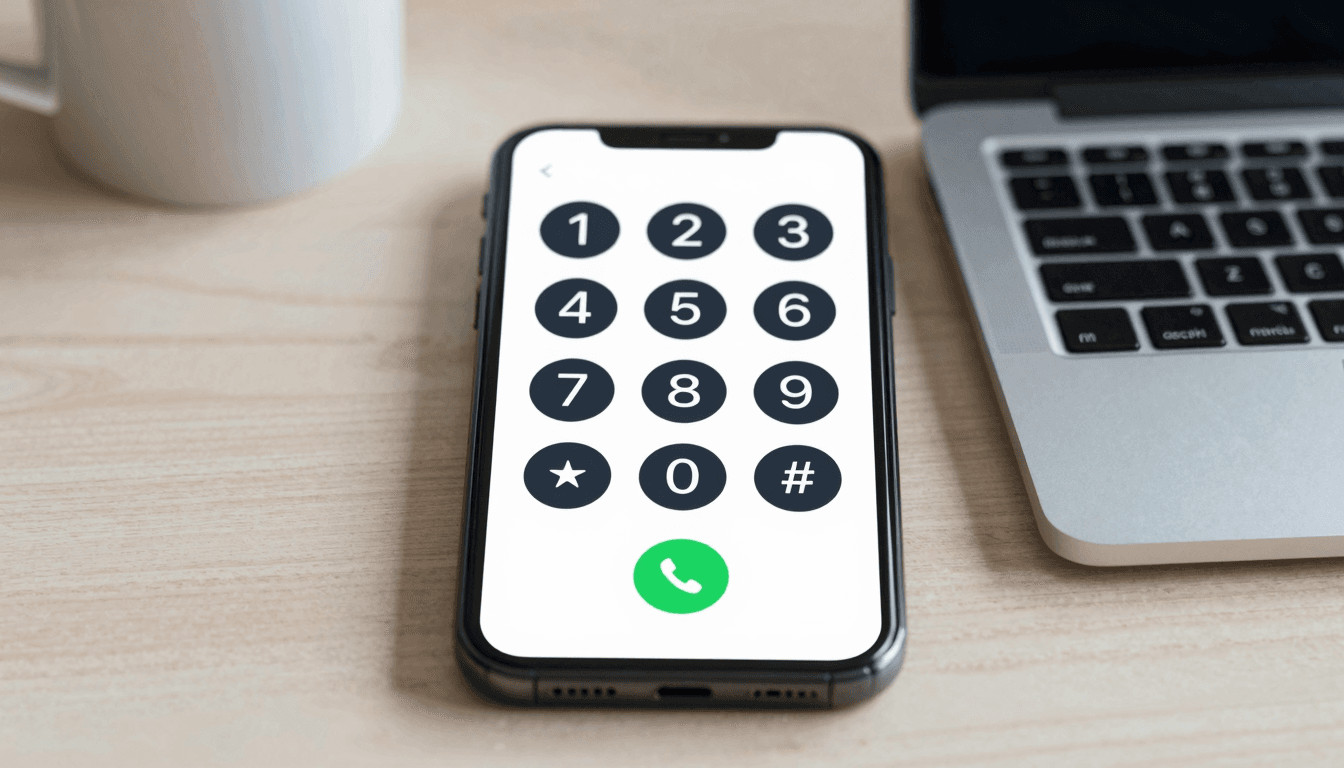
Yes — and this is the feature that matters most under deadline pressure. Open the tab, type the number with country code, and dial. There's no "add contact," no waiting for the other party to accept a call request, no app permission dialog. A landline rings the way it always has; Dialable is simply the bridge that gets your voice there from a browser instead of a handset. For a journalist juggling three sources across three time zones in one afternoon, that difference — global call in one tab versus three separate apps — adds up to real saved time, not just saved money.
What About Spotty Hotel or Newsroom Wifi?
This is where the audio-only design pays off. Because Dialable never carries video, it uses a small fraction of the bandwidth a video call needs, so it tends to survive the kind of congested, rate-limited wifi common in hotels, press centers, and co-working spaces. If a call does degrade, dropping to audio-only (which is all Dialable ever does) is far more forgiving on a shaky connection than a video call trying to hold a picture together.
Frequently Asked Questions
Does the person I'm calling need to install anything? No. Dialable calls ring a normal landline or mobile number exactly like a phone call. There's nothing for your source to download, register, or approve.
Is Dialable a video calling tool? No — Dialable is strictly audio-only. There is no video, no webcam access, and no video-call framing anywhere in the product. It's built for voice calls specifically because that's what most international source calls actually need.
How many countries can I actually reach? Dialable connects to landlines and mobiles in more than 180 countries, covering the vast majority of destinations a working journalist or researcher would need to reach.
Will call quality hold up on bad hotel wifi? Generally yes, better than video-calling alternatives, because voice-only traffic needs far less bandwidth and tolerates latency spikes more gracefully. Extremely poor connections can still affect any internet call, but audio-only traffic is the more resilient case.
What does it cost compared to my phone carrier's roaming plan? Per-minute landline rates through Dialable are typically 60–80% below standard international roaming rates, which turns a source call that would cost tens of dollars into a few dollars.
The Bottom Line
Reporting internationally shouldn't mean choosing between a bloated app your source can't use and a roaming bill that eats your invoice. Dialable.world was built around a simple idea: give people a way to dial world numbers — real landlines included — straight from a browser tab, with nothing to install and nothing to configure. For freelance journalists, researchers, and anyone else who needs to reach a real phone number abroad on short notice, that's the whole point. Production and ongoing development on Dialable is handled by AEGONTECH LLC, which builds and maintains browser-first communication tools for people who need calls to just work.