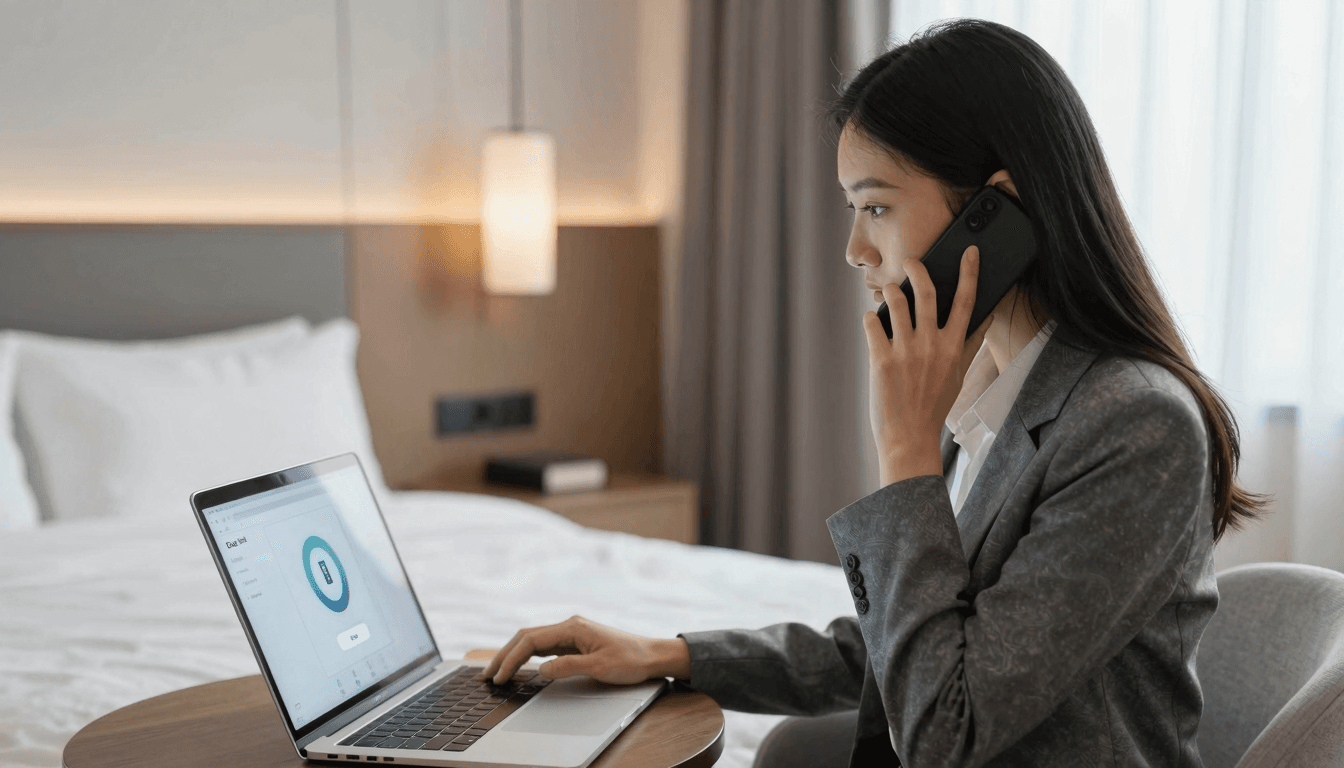
Every business traveler knows the drill: you check into your hotel, connect to the Wi-Fi, and then struggle to make clear, uninterrupted calls through traditional VoIP apps. Perhaps it's the weak signal, or the network restrictions that throttle bandwidth, but apps designed for steady, high-speed internet just don't cut it in these environments.
Key Takeaways
- Browser-based calling: Effortlessly make calls from your browser without heavy app downloads.
- Optimized for shaky connections: Designed to work well under limited connectivity conditions like hotel Wi-Fi.
- Cost-effective: Save on roaming and international calling fees with competitive rates starting from just $0.01/min.
Why Do Traditional Calling Apps Fail on Hotel Wi-Fi?
The glitzy façade of continuous connectivity often crashes when confronted with the reality of hotel Wi-Fi. Traditional VoIP apps, heavy with data and high bandwidth requirements, falter. But why? Hotels frequently restrict bandwidth to manage traffic, impacting call quality and reliability. Browser-based solutions like Dialable, leveraging lightweight WebRTC technology, sidestep these pitfalls by optimizing data transmission for unstable connections.
How Does Browser Calling Remain Reliable on Restricted Wi-Fi?
Dialable's browser-based platform uses WebRTC, a technology that adapts real-time communications to varying network conditions. This ensures more reliable calls, even when bandwidth is low. Moreover, WebRTC's mechanisms like automatic gain control and noise suppression enhance audio clarity, making every word count in your international communications.
Are Browser-Based Calls More Cost-Effective in Hotels?
Yes, especially when it comes to international coverage. Dialable connects calls to over 150 countries at dirt-cheap rates, significantly less than roaming charges or other traditional phone services. This is ideal for hotels where the alternative is often expensive in-room phone charges or unreliable cell service.
What Makes Dialable a Preferred Skype Alternative for Hotel Use?
Choosing Dialable over Skype or other bulky apps when in a hotel translates to better performance with lower data usage. You avoid frustrating app updates and save storage space — crucial when relying solely on a laptop or mobile device during travel. Dialable's simplified interface also means faster access and quicker call setup, vital when timing is key.
FAQs
Can I use Dialable on any device? Yes, Dialable works flawlessly across all web-connected devices like laptops, tablets, and smartphones, all without any downloads or installations. Just open your browser, dial, and you're connected.
How secure are calls made through Dialable? Security is paramount at Dialable. Each call is encrypted, ensuring your conversations remain private, even over public or semi-public networks like hotel Wi-Fi.
What do I need to start using Dialable? Just a modern web browser and an internet connection. There are no accounts to set up or plugins to install. It's that simple.
As you plan your next trip, consider bypassing traditional call frustrations by opting for Dialable at dialable.world — experience a seamless connection, even on the most restricted networks. Your next call is just a browser tab away, ensuring clear, reliable communication no matter where your travels take you.