You are standing at a counter in a foreign city, the clerk has just told you the passport in your bag is the wrong kind, the roaming charge on your phone is already ticking, and the embassy line you need is a landline 6,000 miles away. This is the exact moment when bloated calling apps and surprise carrier bills hurt most. Dialable (dialable.world) is a voice-only calling service that runs entirely in a browser tab, so you can dial that embassy, consulate or passport office from a laptop without a local SIM and without installing anything.
This guide covers what to do when a passport is lost, stolen or about to expire while you live or travel abroad, and how to make every one of the calls you will need without burning money or battery.
Key Takeaways
- A lost or stolen passport usually needs 4-6 separate phone calls in the first 48 hours: the police, your embassy or consulate, your airline, your bank and sometimes your employer.
- Most embassy and consulate emergency lines are ordinary landlines or mobile numbers, and many do not answer messaging apps at all.
- Dialable lets you call those numbers from a browser tab, so you can call from browser on any laptop, including a borrowed one.
- Sitting on hold is the real cost. Per-minute pricing matters more than a headline "free" claim that never reaches a landline.
- Write down every reference number you are given. Your embassy will ask for it on every follow-up call.
Why is a lost passport such a phone-heavy problem?
A passport is the one document that unlocks almost everything: flights, hotel check-in, bank identity checks, SIM registration, even some apartment contracts. Lose it and nearly every fix involves a human being on the other end of a telephone line.
Online forms exist, and you should use them, but the fastest answers still come by voice. An emergency travel document, for example, is often issued within 1-3 working days at many consulates, yet that clock only starts after someone has verified your identity, and that verification is a conversation. Consular staff will ask for your date of birth, your last known address and the circumstances of the loss. Typing that into a form does not replace saying it out loud.
The trouble is that the numbers you must dial are rarely local. If you are an American in Lisbon, the number you need might be the U.S. Embassy's duty line, a Portuguese police station, and a bank's fraud team in Ohio. Three countries, three number formats, one panicked afternoon.
Which calls do you actually need to make?
Here is the realistic sequence, in the order most people end up making the calls.
- The local police. Most embassies and many airlines ask for a police report number before they will issue anything. Call the non-emergency police line, not the emergency number, unless you are in danger.
- Your embassy or consulate. Ask for the "American citizen services" desk or its equivalent, and ask specifically about an emergency passport and its fee.
- Your airline. If a flight is booked, an emergency travel document changes what ID you will carry. Airlines can note the change on your booking.
- Your bank. If your wallet went with the passport, freeze cards immediately. For help with a frozen or compromised card, see our guide on calling your home bank's fraud team without a local SIM.
- Your employer or client. A short voice call beats an email when you will be unreachable for a day.
How does browser calling work for these numbers?
Dialable is built on WebRTC (Web Real-Time Communication), a technology that lets a browser send and receive live audio directly, with no plug-in. When you press the green button, your browser converts your voice into digital packets using a codec (a compression format for audio, such as Opus) and sends them over the internet to Dialable's servers. From there the call is handed to the PSTN (public switched telephone network, the worldwide system of traditional landlines and mobile networks) and rings the ordinary phone on the other end.
That last hop is why this works for an embassy. The person answering needs nothing special. Their desk phone simply rings, and they hear you. That is also why it is a true Skype alternative for landline calls: you are not asking the other side to install anything or accept a friend request.
The two technical terms worth knowing when troubleshooting are latency (the delay between you speaking and the other person hearing you, ideally under 150 milliseconds) and jitter (variation in that delay, which causes choppy audio). A stable Wi-Fi connection of even 1-2 Mbps is plenty for one voice call, because audio needs far less bandwidth than most people assume.
What does it cost compared with the alternatives?
Cost is where people get hurt, because embassy calls are never short. Expect 10-25 minutes including hold time. Here is how the common options compare for one 20-minute call from Europe to a U.S. landline.
| Option | Reaches a real landline? | Typical 20-min cost | Needs install or SIM? | |---|---|---|---| | Carrier roaming | Yes | $20-$60 | Your own SIM | | WhatsApp calling | No, app-to-app only | $0, but it cannot dial a landline | App on both ends | | Google Voice | Yes, limited by region | Varies by destination | Account and app | | Skype credit | Yes | A few dollars | App download | | Dialable | Yes | Pay-per-minute, no roaming fee | Browser tab only |
The bottom line: "free" calling that cannot reach a landline is worth nothing at an embassy counter. We went deeper on this in Dialable vs. WhatsApp Calling. For cheap international calls to landlines, the metered browser route is usually the predictable one: you see the rate before you press call.
How should you prepare before dialing?
Hold times are long and staff are busy, so a little preparation shortens the whole ordeal.
- Find the right number first. Use the embassy's official website, not a search-result snippet. Look for the "emergency" or "citizen services" line and its hours, since many consulates answer only on local business days.
- Convert the time zone. A call at 3 p.m. your time may reach a closed office. Check opening hours in the embassy's city.
- Have your details ready. Full legal name, date of birth, passport number if you remember it (a photo of the old page in your cloud storage is a lifesaver), your police report number and a reachable contact.
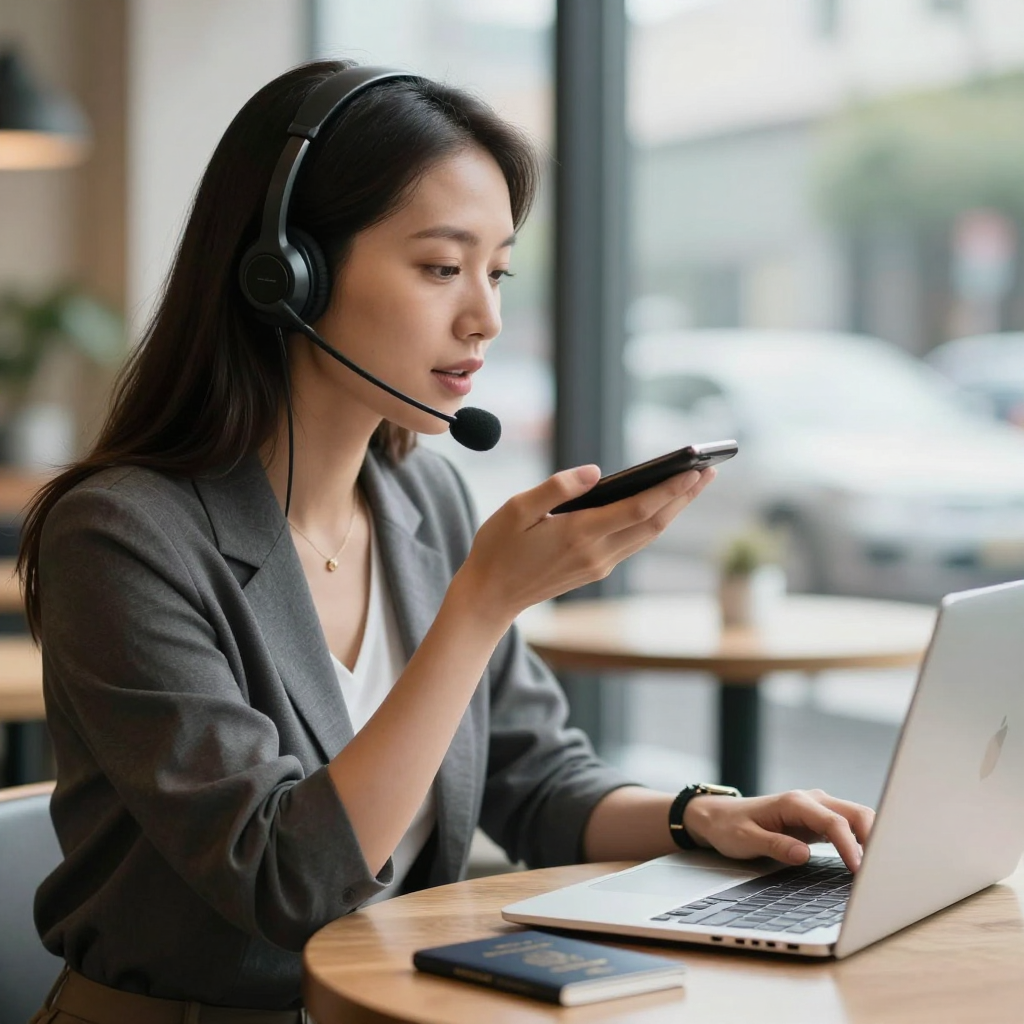
- Use a headset. Hands free means you can write while you talk. Browser calling works with any headset your laptop recognizes.
- Keep the tab open. Once connected, do not refresh. If the line drops, redial and mention your case number.
If your hotel or cafe connection is shaky, our troubleshooting guide for choppy calls on hotel Wi-Fi walks through the fixes in order.
What if the embassy is closed and you are stuck?
Many embassies run an after-hours duty officer for true emergencies, and the number is usually printed on the website in a separate box. For non-urgent matters, leave a clear voicemail that includes your name, case number and two ways to reach you. Voicemails to a landline cost the same per minute as a live call, so keep them under a minute.
Meanwhile, use the waiting time productively. Photograph your old passport page if you have a copy, request passport photos from a nearby shop, and confirm the exact fee and accepted payment method for the emergency document. Embassies often accept only specific cards or cash in local currency, and finding that out by phone saves a wasted trip.
Can you handle the whole process from one browser tab?
For most travellers, yes. The calls are the part that used to require a working local phone. With a browser dialer, a laptop and a coffee-shop connection, you can place the police call, the embassy call, the airline call and the bank call in one sitting, switching numbers as you go. For people who work remotely, there is a bonus: the same tab you used for the emergency also covers client calls later, which is why many nomads keep it bookmarked permanently. You can read more about this broader approach in our no-SIM guide to calling the UK, Ireland, Australia and New Zealand.
When you need to dial world numbers fast, a plain keypad is exactly the right tool. There is no contact syncing, no account tour and no ads between you and the number. For a global call to a government office, that simplicity is the feature.
Frequently Asked Questions
Will the embassy see a strange number when I call?
Often they will see an international or unrecognised caller ID. This is normal. State your full name and case number at the start of the call so they can match you to your file.
Can I use Dialable if I have no phone at all because it was stolen too?
Yes. Any laptop or tablet with a browser and a microphone is enough, including a borrowed one at a hotel front desk or library. Sign in, add credit, and dial. Nothing stays installed on the shared machine.
Is browser calling reliable enough for a long call with a government office?
On a stable connection, yes. A voice call needs only a modest amount of bandwidth, and WebRTC adapts to changing conditions. If quality drops, move closer to the router or switch to a wired connection, then redial.
How much will a lost-passport sequence of calls cost?
Because pricing is per minute with no roaming surcharge, a typical set of five calls totalling 60-90 minutes costs a small fraction of carrier roaming. Check the destination rate on the dial screen before you start.
The bottom line
A lost passport is stressful mainly because the fixes are scattered across offices in different countries, each reachable only by phone. Keep the numbers organised, call in the right order, write down every reference number, and use a tool that reaches real landlines without a SIM. If you want to try it before you need it, open Dialable.world in a browser tab and place a test call to a friend's landline today. Dialable is built and maintained by AEGONTECH LLC, and it is designed for exactly the moments when everything else has gone wrong.