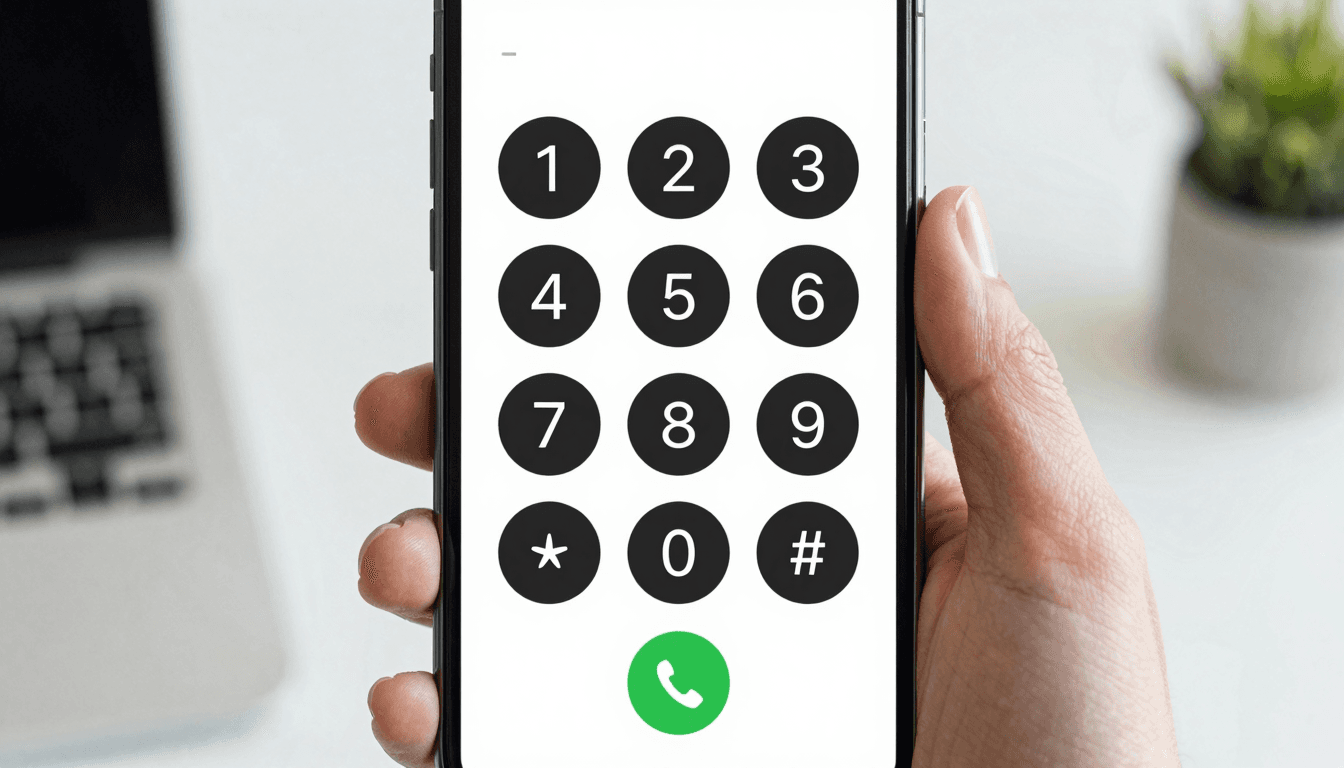
Skype went dark for good on May 5, 2025. After 22 years, Microsoft retired the app and pointed its remaining users toward Teams — a shift covered by outlets from Fox Business to Newsweek. For most people that was a shrug: they'd already moved their group chats to WhatsApp and their meetings to Zoom years ago. But for one specific group of users, the retirement left a real hole — the people who used Skype Credit to dial an actual telephone number. A landline in another country. A mobile number that didn't have WhatsApp installed. A hotel front desk, a bank's fraud line, a parent's home phone. Teams doesn't do that. Neither does WhatsApp, and Google Voice only half-does it if you're calling into the US. Dialable.world exists for exactly that gap: a browser tab that dials any landline or mobile number on the planet, no app, no download, no dead platform to worry about next time a tech giant reorganizes its product line.
If you've spent the last year bouncing between apps trying to reconstruct what Skype used to do in one click, this is the plain rundown of what changed, why most "video calling" apps were never built for this job in the first place, and what a Skype alternative for landline calls actually needs to do well in 2026.
Key Takeaways
- Skype's May 2025 retirement removed one of the last mainstream apps that let consumers dial ordinary phone numbers (not just other app users) from a computer.
- Microsoft Teams, WhatsApp, and Zoom are built for account-to-account communication — none of them reliably let you call from browser to a real PSTN number the way Skype Credit did.
- Dialable.world uses WebRTC, the browser technology behind modern voice calling, so there's no install, no plugin, and no waiting for a client update.
- Cheap international calls to landlines still commonly run $0.02–$0.25 per minute depending on destination and carrier route — an app that hides its per-minute pricing is usually the more expensive one.
- Call setup time on a WebRTC-to-PSTN bridge typically lands under 3 seconds on a decent connection, comparable to a normal cellular call.

Why Didn't Teams Just Take Over Skype's Job?
Microsoft's messaging around the Skype retirement leaned hard on "everything moves to Teams." What that framing skipped over is that Teams was designed around organizational accounts and meeting links — it assumes both sides are inside (or invited into) a Microsoft ecosystem. It's excellent for that. It is not built to let a freelancer in Lisbon dial a landline in Manila, because that isn't a Teams meeting — it's a PSTN call. PSTN stands for Public Switched Telephone Network, which is the decades-old grid of copper and fiber that every traditional phone number — landline or mobile — ultimately connects through, regardless of which app you're using to reach it.
That distinction matters because it explains why so many "Skype replacements" listed in the post-shutdown roundups (Signal, Discord, FaceTime, WhatsApp) don't actually solve the original problem. They're excellent for talking to other people on the same app. None of them let you type a real, ten-digit number into a dial pad and reach whoever picks up on the other end of an ordinary telephone line. Dialable.world does that, and only that — it's an audio-calling tool built specifically for dial world reach into the PSTN, not a video platform with calling bolted on as an afterthought.
What Actually Makes Browser Calling Work?
The underlying technology is called WebRTC (Web Real-Time Communication) — an open standard, built directly into modern browsers like Chrome, Firefox, Safari, and Edge, that lets audio (and video, though Dialable only uses the audio half) stream in real time without installing anything. When you open Dialable.world and tap a number, your browser is establishing a live WebRTC audio session that gets bridged, via SIP (Session Initiation Protocol — the signaling standard that sets up, manages, and tears down the call) trunking, into the PSTN so it rings an actual phone.
The audio itself travels compressed through a codec — software that encodes your voice into a smaller stream for transmission and decodes it on the other end. Codec choice and network latency (the delay between when you speak and when the other party hears it) are what separate a call that feels normal from one that feels like a bad conference line. Skype's old infrastructure, for all its faults toward the end of its life, was reasonably tuned for this. A lot of newer WebRTC tools aren't, because they were built for video meetings first and voice-to-a-real-number second. Dialable was built the other way around: audio-first, no camera, no video grid, just a clean dial pad and a call button.

How Does Pricing Actually Compare?
This is where most competitors get vague. Here's a rough sense of what the market looks like as of 2026:
- Legacy calling cards / prepaid PINs: still around, but typically carry $0.99–$2.99 in hidden connection fees per call on top of the per-minute rate, plus rounding-up billing increments that quietly inflate short calls.
- Google Voice: solid if you're calling US and Canada numbers from a US Google Voice account, but international rates to landlines abroad can run noticeably higher, and calling into many countries requires a paid top-up with its own fee structure.
- WhatsApp calling: free, but only app-to-app — it cannot dial a landline or a number that isn't on WhatsApp, full stop.
- Zoom Phone: built for teams that need a full business phone system with seats, extensions, and admin consoles — overkill and overpriced for someone who just needs to make a handful of global calls a month.
- Dialable.world: pay-as-you-go, browser-based, with per-minute landline and mobile rates published up front rather than buried in a rate table you have to request access to.
That transparency is the practical difference. When a service hides its rate card, it's rarely because the rates are good.
Is Call Quality Actually Comparable to a Regular Phone Call?
Yes, with one caveat: it depends on your internet connection, same as it always did with Skype. On a stable connection — home wifi, office broadband, decent hotel wifi — a WebRTC-to-PSTN call from Dialable.world is audibly indistinguishable from a normal mobile call. Where it gets shakier is the same place Skype always got shaky: congested public wifi, cross-continental routes with extra latency hops, or a laptop trying to run six other tabs while handling the audio stream. None of that is unique to Dialable; it's physics and network conditions, not a platform-specific flaw.
Who Actually Needs This, Now That Skype Is Gone?
The Skype retirement mostly went unnoticed because most users had already migrated away years earlier. But a meaningful slice of people kept a Skype tab open specifically for calling real numbers: consultants confirming an appointment with an overseas clinic, small business owners calling a supplier's landline, someone checking in with a relative who never got a smartphone and still answers a home phone. If that's you, the honest answer is that no single Microsoft or Meta product replaced what Skype did — you need a purpose-built tool, and that's the specific niche Dialable.world was built to fill: cheap international calls to landlines and mobiles, from any browser, without asking you to create a business account or install anything.
FAQ
Is Dialable.world an app I need to install? No. It runs entirely in your browser using WebRTC. Open the site, allow microphone access, and you can dial.
Can I call a landline with it, or only other Dialable users? Landlines and mobiles both — any number reachable through the standard PSTN, worldwide.
Is it a Skype alternative for landline calls specifically, or does it try to do video too? Audio only, by design. There's no video calling, no webcam, no meeting-grid feature — just a dial pad, a call button, and a real phone number on the other end.
How does pricing work — is there a subscription? It's pay-as-you-go per minute, with rates published before you dial, rather than a flat monthly seat like Zoom Phone or a bundled credit system like the old Skype Credit model.
Where This Leaves You
Skype's shutdown wasn't really about Skype. It was a reminder that any platform can decide, on its own timeline, that the feature you built a habit around isn't a priority anymore. If what you actually needed from Skype was a way to call a real phone number from a browser tab — not a group chat, not a meeting link, not another app both parties have to install — that's a narrower, more durable need than "video calling," and it deserves a tool built specifically for it. Dialable.world is that tool: open a tab, dial world, and talk. For teams weighing the same build-versus-buy questions around communications infrastructure more broadly, AEGONTECH LLC works through exactly this kind of product and infrastructure decision daily.