Something goes wrong on the trip — a bag never shows up on the carousel, a flight gets cancelled eight hours before departure, or a fall on cobblestones ends with a wrist in a hospital splint — and the claims clock starts immediately. Most travel insurance policies require notification within 24 to 72 hours, and nearly every claims desk still wants a phone call, not a web form, before it will open a file. That is the exact moment a traveler discovers their phone cannot dial the toll-free number on the back of the insurance card, because toll-free numbers are typically unreachable from outside their home country, roaming is either disabled or priced by the minute, and buying a local SIM just to make one call to a call center is absurd. This is precisely the gap Dialable was built to close: a browser tab that turns into a real phone call to any landline or mobile number on earth, with no app, no SIM, and no video anything — audio-only, the way an insurance claims call has always worked.
Key Takeaways
- Most travel insurers require a claim notification call within 24-72 hours of an incident — missing that window can void coverage entirely.
- Home-country toll-free numbers (800/888/833 in the US, 0800 in the UK) usually do not connect from a foreign mobile network at all.
- Roaming voice minutes on a home carrier plan can run $2-$5 per minute internationally; a WebRTC call through a browser avoids that meter completely.
- Dialable needs only a laptop or phone browser and Wi-Fi — no app download, no eSIM, no physical SIM swap, no video call involved.
- Airlines, insurers, and hospital billing departments all still gate action behind a live phone conversation, so having a reliable way to dial out is not optional travel gear.
Why does a travel claim even require a phone call?
Insurers ask for a call first for a simple reason: a live conversation lets an adjuster ask follow-up questions, flag urgent cases (a hospitalization abroad routes very differently than a delayed bag), and generate a claim number on the spot that the traveler needs for every document that follows. A VoIP call — Voice over Internet Protocol, meaning a phone conversation carried over an internet connection instead of a traditional phone line — is what makes this possible without a working local phone number. Dialable runs on WebRTC (Web Real-Time Communication), the browser technology that lets audio travel directly from a laptop or phone's microphone, through the open internet, and land on the PSTN — the Public Switched Telephone Network, the ordinary global grid of landlines and mobile numbers — as a normal incoming call. The person answering at the insurer's call center has no idea the call originated from a hotel Wi-Fi network four time zones away; their phone just rings.
What actually breaks when you try to call home from abroad?
Three things, usually all at once. First, toll-free numbers are regional by design — an 800 number dialed from a foreign SIM frequently returns a fast busy tone or an automated "this number cannot be reached" message, because toll-free routing is contracted per-country. Second, even when a number does connect, carrier roaming plans meter international voice separately from data, often at $1.50-$5.00 per minute, which turns a 20-minute claims call into a $60-$100 line item nobody budgeted for. Third, buying a local SIM to solve this is its own ordeal: it requires a local ID in some countries, a store visit, activation time, and a phone number the insurer has never seen and may flag for verification — while the traveler still cannot dial the home-country toll-free line, because that limitation has nothing to do with which SIM is inserted. Dialable sidesteps all three by routing the call as data over whatever Wi-Fi or mobile data connection is already on hand, then handing it to the PSTN as a standard outbound call to the real number — the toll-free line included.
Dialable vs. the usual workarounds
| Approach | Reaches toll-free claims lines? | Local SIM needed? | Typical cost for a 20-min call | Setup time | |---|---|---|---|---| | Home carrier roaming | Sometimes | No | $30-$100 | None | | Local SIM/eSIM | No (SIM doesn't fix toll-free routing) | Yes | $5-$25 (SIM) + call cost | 15-60 min | | WhatsApp/Skype-style app calling | Only if the insurer also uses that app | No | Free-ish, but call must be answered on the same app | App install + account | | Dialable (browser, WebRTC) | Yes | No | A few cents to low dollars per call | None — open a tab |
The comparison matters because the alternatives most travelers reach for first — WhatsApp calling, Google Voice, or the muscle memory of "just use Skype" — solve a different problem. WhatsApp calling for a real, cheap Skype alternative for landline calls only works if the other side is also on WhatsApp, and insurance claims departments are not. Google Voice numbers work well for a US-based caller with a US Google account but were never designed as a from-anywhere international dialer to arbitrary global landlines. And Skype, historically the default answer, has been sunset for exactly this original use case. None of that changes the fact that the insurer, the airline rebooking desk, and the hospital billing office all still expect a plain phone call to a plain phone number — which is the one thing Dialable is purpose-built to deliver as a global call from any browser tab, framed as cheap international calls to landlines, not app-to-app chat.

What does the actual call look like?
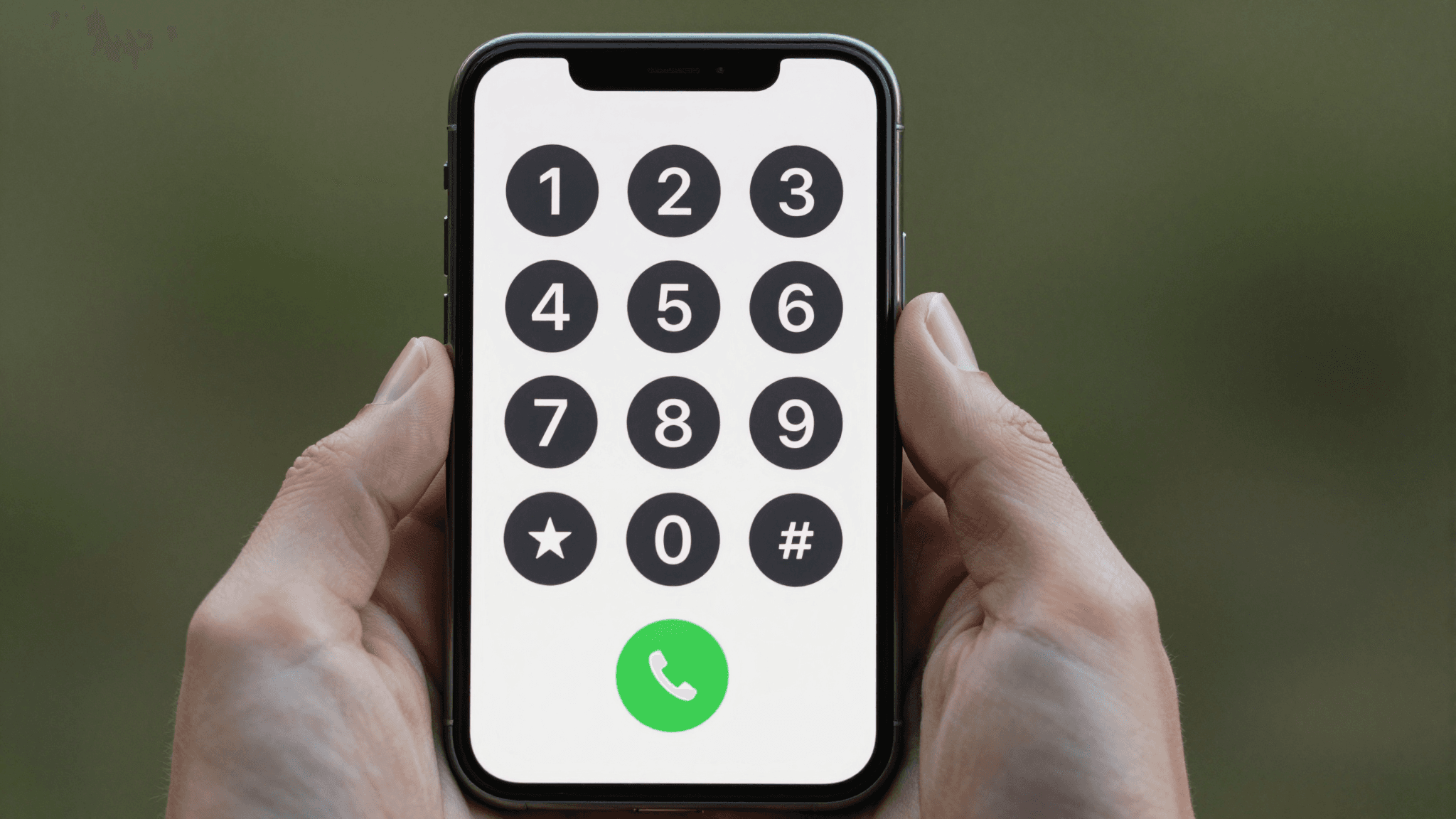
Open dialable.world in any browser — laptop, tablet, or phone — and the interface is a dial pad, nothing more: type the number, including the country code, and press call. There is no account setup gate before a first call, no app store download, and critically, no camera permission prompt, because Dialable is audio-only by design. That single design choice matters more than it sounds: insurance and airline call centers are staffed for voice, their IVR menus expect touch-tone (DTMF) input, and a hold-music queue does not care what a caller looks like. Building in video would add complexity, latency, and bandwidth demand for a use case that has never once needed a picture. The call codec — the audio compression format that determines how clear a call sounds over a given bandwidth — that WebRTC uses (commonly Opus) is tuned for exactly this kind of voice-only clarity even on hotel or airport Wi-Fi that would choke on video.
Does call quality actually hold up on bad hotel Wi-Fi?
This is the practical question that decides whether any of this works when it matters. Latency — the delay between speaking and being heard on the other end — is the main variable, and it is a function of the connection's stability more than its raw speed; a slow-but-stable 2 Mbps hotel connection will usually carry a clear Dialable call, while a fast-but-flaky connection dropping in and out will not, the same way it would degrade a Zoom call or a WhatsApp call. The advantage of an audio-only WebRTC call, compared to a video app pressed into audio-only service, is that it needs a fraction of the bandwidth a video call reserves out of habit — audio alone typically needs under 100 kbps, versus the 1-3 Mbps a video call wants even with the camera off in some apps. That headroom is exactly why a browser voice call tends to survive an airport lounge network that a video call chokes on.
Frequently asked questions
Does the insurance company's caller ID show a strange or clearly foreign number? No — the call rings the destination as a standard incoming call over the PSTN; it does not display Dialable branding or an obviously VoIP-looking prefix, and the desk on the other end has no way to tell it originated from a browser tab rather than a phone.
What if the claims line uses a phone menu that requires pressing numbers? Dialable's dial pad sends standard DTMF tones during the call, so "press 2 for existing claims" menus work exactly as they would from any other phone.
Is this only useful for insurance calls, or does it work for airline and hospital calls too? The same no-SIM, no-roaming logic applies to every home-country phone number a traveler needs mid-trip: airline rebooking desks, embassy lines, a bank's fraud department, or a hospital's billing office abroad — anywhere the fix is "just call them" and the traveler's phone currently cannot.
Do I need to create an account or install anything before an emergency call? No installation is required; a browser and an internet connection are enough, which matters most exactly when there is no time to hunt for a SIM card kiosk.

The bottom line
A missed claims window over a phone technicality is one of the more avoidable ways a covered loss turns into an uncovered one. The fix does not require a new SIM, a roaming add-on, or downloading yet another calling app before a call can go through — it requires a browser tab and a number to dial. That is the whole premise behind Dialable: keep the phone call exactly as simple and audio-only as it has always been, and remove the local-SIM dependency that turns an ordinary claims call into a logistics problem on the worst possible day of a trip. AEGONTECH LLC, the team behind Dialable, has more on the underlying approach at AEGONTECH LLC. Try it at dialable.world before the next trip, not during the next emergency.