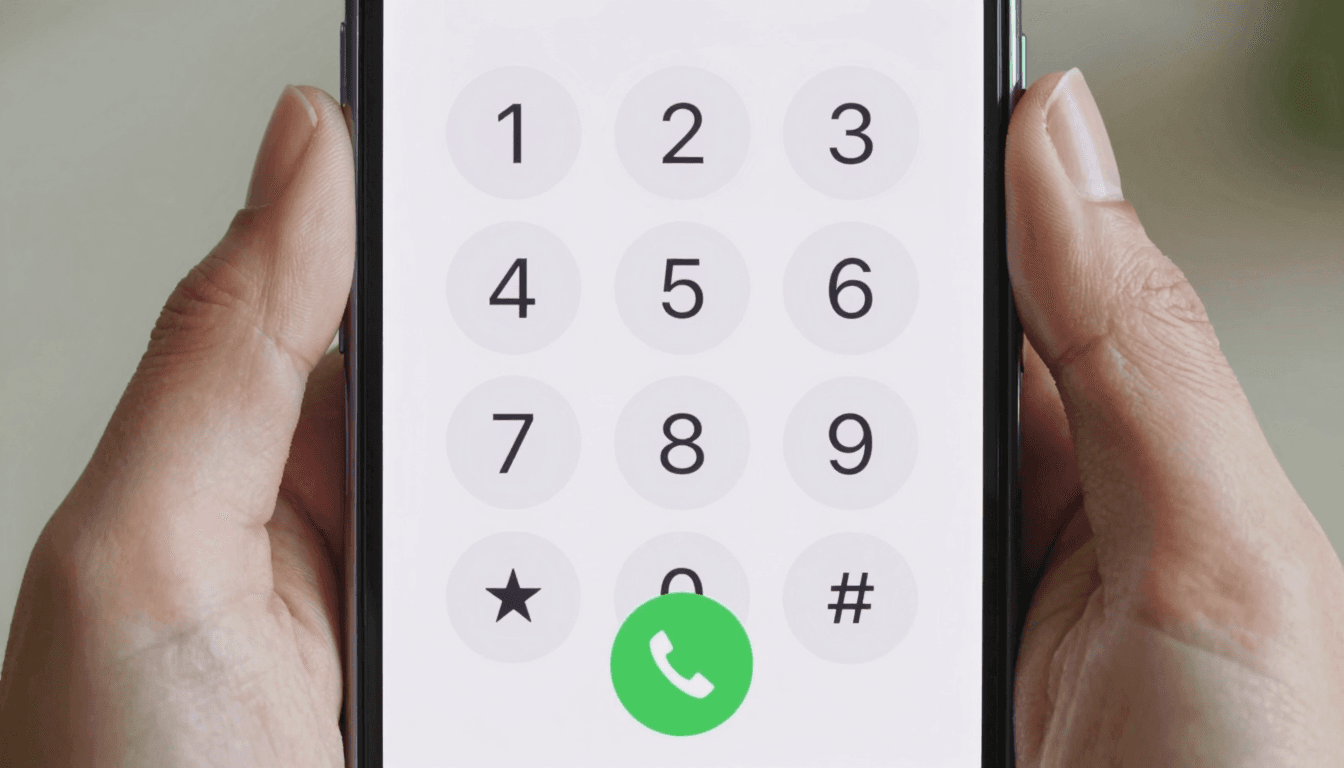
Why Your International Calls Keep Dropping (And How to Actually Fix It)
You dial into a client call in São Paulo, the line crackles for four seconds, then silence. You redial. It happens again. By the time the call finally holds, you've burned ten minutes and whatever goodwill you walked in with. If this sounds familiar, the problem usually isn't bad luck — it's the plumbing underneath the call. Dialable.world was built specifically to fix this: a browser-based way to place real audio calls to landlines and mobiles anywhere in the world, without the app bloat that tends to be the actual culprit behind dropped and garbled international calls.
This isn't a sales pitch dressed up as troubleshooting. It's the reverse — understanding why calls degrade is what makes it obvious why a lightweight, browser-native approach like Dialable holds up better than the app you're currently fighting with.
Key Takeaways
- Most dropped international calls trace back to three measurable culprits: latency, jitter, and packet loss — not "bad signal" in the vague sense most people blame.
- Heavyweight calling apps add background processes (video pipelines, presence syncing, contact scraping) that compete with your call for the same bandwidth.
- A Skype alternative for landline calls doesn't need to be another app at all — a browser tab calling directly over WebRTC removes an entire layer of overhead.
- Dialable.world routes audio-only calls from any browser to real phone numbers in over 150 countries, without an install, a plugin, or a background client eating your RAM.
- Cheap international calls to landlines depend more on smart routing than on your carrier plan — and that's a routing problem, not a hardware problem.
What Actually Causes a Call to Drop or Sound Garbled?
Every VoIP call — VoIP meaning Voice over Internet Protocol, the general term for carrying phone audio over the internet instead of traditional copper phone lines — depends on getting small packets of audio data from your device to the other person's line, in order, without much delay. Three things wreck that:
Latency is the one-way delay between when you speak and when the other person hears it. Anything under roughly 150 milliseconds feels natural. Past 250-300ms, people start talking over each other, and the call feels like a bad satellite interview.
Jitter is the variation in that delay from packet to packet. Even if your average latency looks fine, if packets arrive at wildly inconsistent intervals, the receiving end can't smooth them into clean audio — you get the choppy, robotic stutter everyone associates with a "bad connection."
Packet loss is exactly what it sounds like: some of the audio data never arrives. Voice codecs (the software that compresses and decompresses your audio — codec is short for coder-decoder) can conceal small amounts of loss, but once loss climbs past roughly 1-2%, you start hearing audible gaps, and past 5% a call becomes genuinely hard to follow.
None of these are exotic problems. They're the same three variables that determine whether any real-time audio, anywhere, holds together — and they're exactly what a well-engineered browser calling tool optimizes for.

Is the Problem Your App, Your Network, or the Person You're Calling?
Here's the part most people skip: not every dropped call is your fault, but a surprising number of "network problems" are actually app problems. A calling app that also runs a video pipeline in the background, syncs your entire contact list to a cloud server, and keeps a persistent presence connection open is spending CPU cycles and bandwidth that has nothing to do with your actual conversation. On a hotel Wi-Fi network already juggling forty other guests' devices, that overhead is the difference between a call that holds and one that doesn't.
This is where the underlying transport technology matters. WebRTC — Web Real-Time Communication, the browser standard that lets audio and video stream directly between a browser tab and a server without installing anything — was purpose-built for exactly this kind of lean, real-time media transfer. When you make a call from your browser instead of through a heavyweight installed app, you're cutting out the layers of software that weren't built for your call in the first place. That's the whole premise behind letting people call from browser rather than from an app store download.
On the other end of the call, if you're reaching a real landline or mobile number, that call eventually has to cross into the traditional telephone network — what's called the PSTN, the Public Switched Telephone Network, the same global system that's carried phone calls since before the internet existed. Getting from a browser to the PSTN cleanly requires a signaling protocol to set the call up; most modern systems use SIP (Session Initiation Protocol) or a WebRTC-to-SIP gateway to make that handoff seamless. If a provider's gateway is poorly provisioned or oversold, that's where you'll feel the drop — not on your end at all.
How Do the Major Calling Apps Actually Compare?
It's worth being specific here, because "just use a different app" isn't useful advice without comparison points.
Skype pioneered consumer VoIP calling but has increasingly leaned into video-first, account-heavy design — every call carries the overhead of a platform built for video conferencing, even when you only want to dial a landline. WhatsApp calling works well between two WhatsApp users but can't dial a real landline or mobile number outside the app at all — it's closed-loop by design. Google Voice offers real number dialing but ties you to a Google account and US-centric number provisioning that gets clunky fast for genuinely global calling. Zoom, despite being synonymous with business calls now, is built around video meetings first — its audio-calling features are a secondary function bolted onto a video product, which is a lot of unnecessary weight if all you need is a voice call to a landline in Manila.
Dialable.world takes a different position: audio-only, browser-native, and built to dial world numbers directly — no video pipeline to strip out, no account ecosystem to manage, no app store download standing between you and the person you're calling. For teams and travelers who just need a reliable global call, that's a meaningfully lighter path.

What Actually Fixes Dropped Calls?
A few concrete moves, in rough order of impact:
- Test on a wired or 5GHz connection first. 2.4GHz Wi-Fi is more congested in hotels, cafes, and shared offices — switching bands alone often resolves jitter.
- Close bandwidth-hungry background apps before an important call — cloud backups, video streaming, and large downloads all compete for the same pipe.
- Use a browser-based tool instead of an installed app when you can. Removing an entire layer of background processes (contact sync, presence, video buffering) removes an entire category of failure points.
- Check your outbound audio codec quality if your provider exposes it — a call using a modern wideband codec will tolerate more jitter than one still running an old narrowband codec.
- Route through a provider built for international termination, not a generalist app repurposed for it. Providers optimized for cheap international calls to landlines typically maintain better direct interconnects into local telecom networks, which reduces the number of hops — and therefore the failure points — between you and the person you're calling.
None of this requires new hardware. It requires understanding that a "bad call" is usually a specific, diagnosable problem, not bad luck.
Frequently Asked Questions
Is Dialable.world a video calling app? No. Dialable is strictly an audio calling service — a global call, voice only, dialed directly from your browser to a real phone number. There's no video pipeline running in the background to compete for your bandwidth.
Do I need to install anything to make a global call? No. Dialable runs entirely in a browser tab using WebRTC, which means there's no download, no app store approval wait, and nothing sitting in your background processes when you're not on a call.
Why are browser-based calls often cheaper than roaming or carrier rates? Because you're routing over the internet connection you're already paying for — hotel Wi-Fi, a local SIM's data plan, or office broadband — instead of paying your home carrier's international roaming rate, which can run several times higher per minute than a routed VoIP call to the same landline.
Can I use this as a genuine Skype alternative for landline calls? Yes — that's precisely the gap Dialable is built to fill. Where Skype increasingly assumes both sides are on Skype (or drags in video-first overhead), Dialable dials straight out to any real landline or mobile number in over 150 countries, audio-only, from a browser tab.
The Bottom Line
Dropped and garbled international calls feel random, but they almost never are. Latency, jitter, and packet loss are measurable, and the software stack between you and the person you're calling either manages them well or doesn't. Heavyweight, video-first, account-hungry apps carry overhead that has nothing to do with your actual conversation — and that overhead is where calls fall apart on imperfect networks, which is most networks, most of the time.
A leaner approach — audio-only, browser-native, built specifically to dial world numbers without the extra baggage — holds up where general-purpose apps struggle. That's the case for treating Dialable.world as your default the next time you need a global call that actually stays connected long enough to finish the conversation.
This kind of infrastructure-level thinking — building lean, purpose-specific tools instead of bloated general-purpose ones — is also the approach AEGONTECH LLC brings to the products it builds and advises on.